
Gravity Search Overview
Introduction
Gravity Search transforms Gravity Forms into a powerful search and directory platform. Using a dedicated Search Form, users can search, filter, sort, and display entries submitted through another Gravity Form, known as the Target Form.
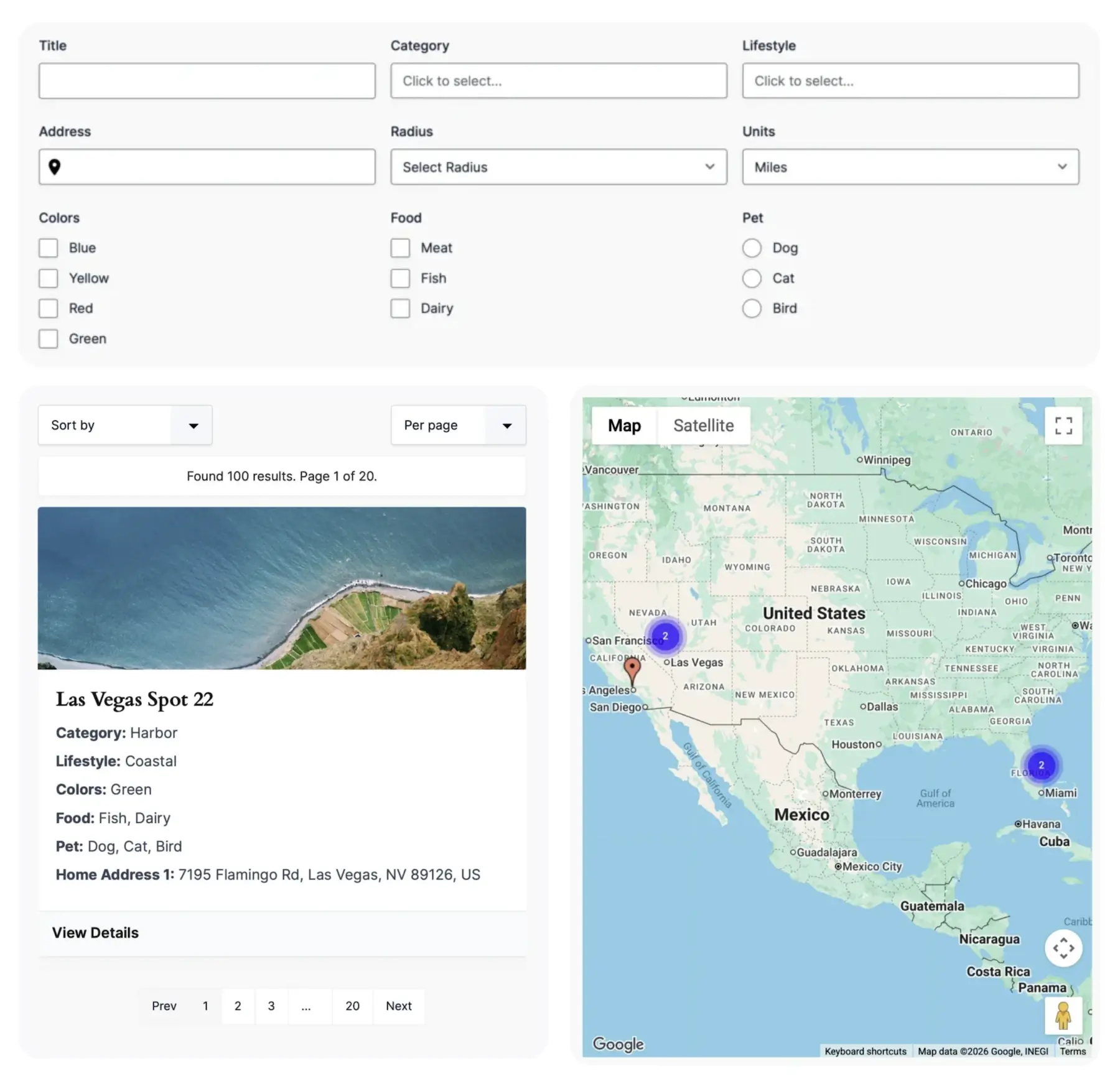
Gravity Search supports text-based searches, advanced filters, proximity searches, interactive maps, customizable results layouts, and detailed entry views. Whether you're building a business directory, property finder, event search, member directory, or store locator, Gravity Search provides the tools needed to create a complete search experience directly inside Gravity Forms.

How Gravity Search Works
Gravity Search uses two separate forms:
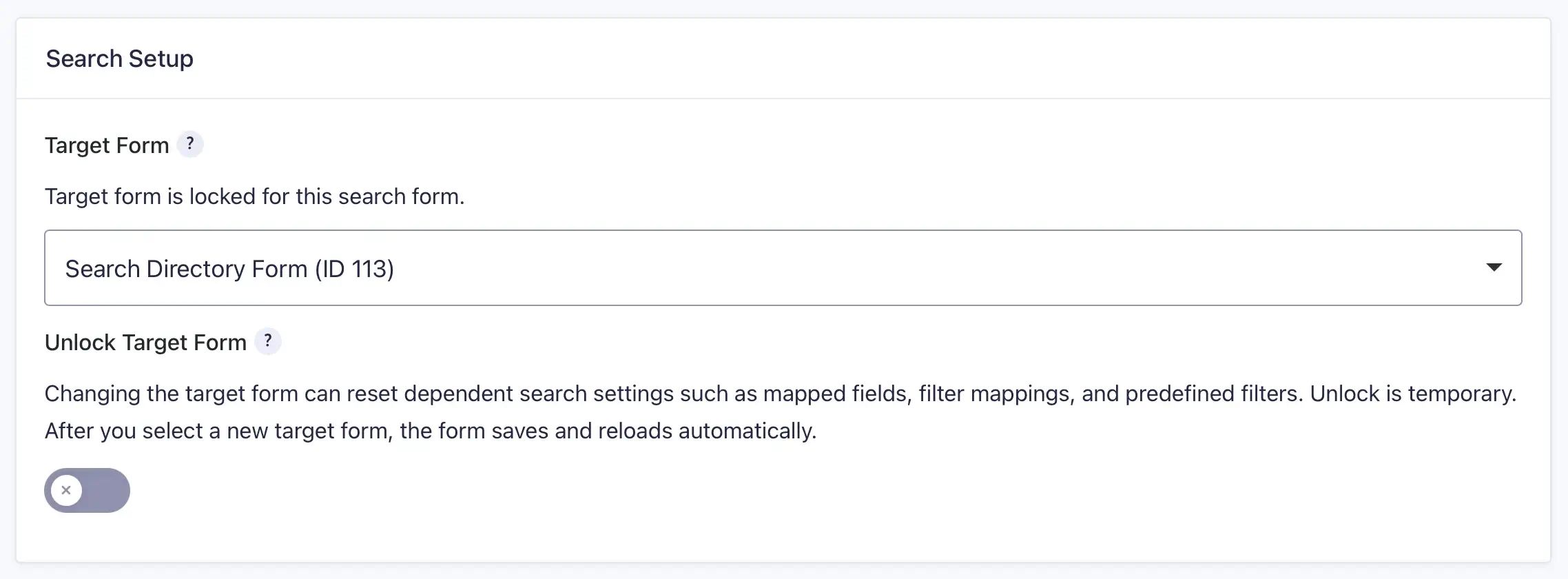
- Target Form: The form that stores entries and data.
- Search Form: The form used to search, filter, and display entries from the Target Form.
Users create a Search Form, connect it to a Target Form, add search fields using the standard Gravity Forms builder, and then configure how results are displayed using the Search Settings page.
When a search is performed, Gravity Search queries entries stored in the Target Form and can optionally perform proximity searches against one or more geocoded location sources stored with each entry.
Key Components
Common Use Cases
Gravity Search can be used to build many types of searchable applications and directories:
- Business Directories
- Store Locators
- Property Listings
- Member Directories
- Event Search & Listings
- Resource Libraries
- Service Provider Directories
- Location Finders
Next Steps
Ready to build your first Gravity Search experience? Continue with the following guides: