
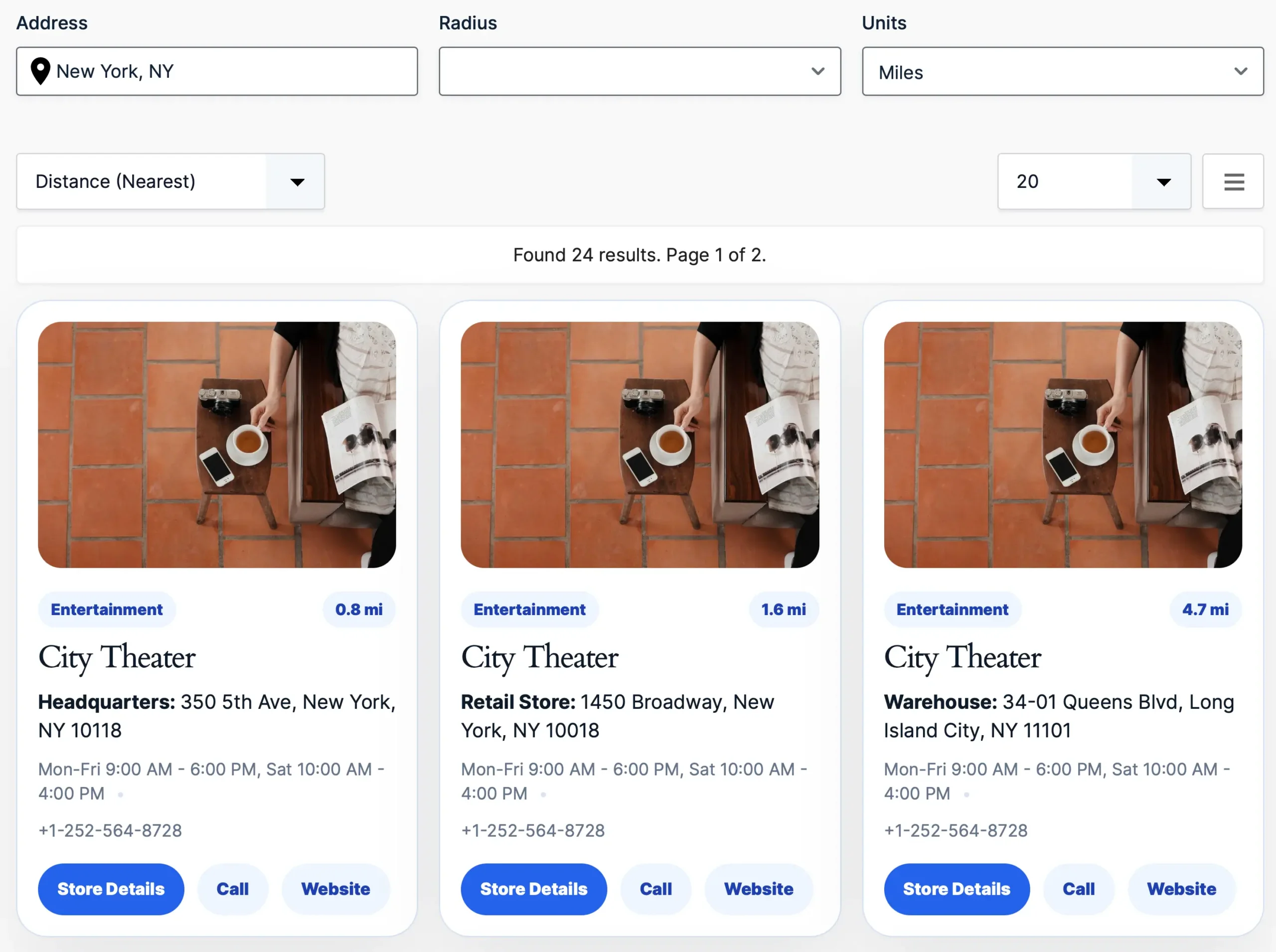

Create searchable member directories with advanced search, detailed member profiles, flexible filtering, and optional interactive maps—all powered by your existing Gravity Forms entries.

Create professional member directories with searchable profiles, advanced filtering, dedicated member pages, and flexible layouts.

Every member directory starts with accurate member information.
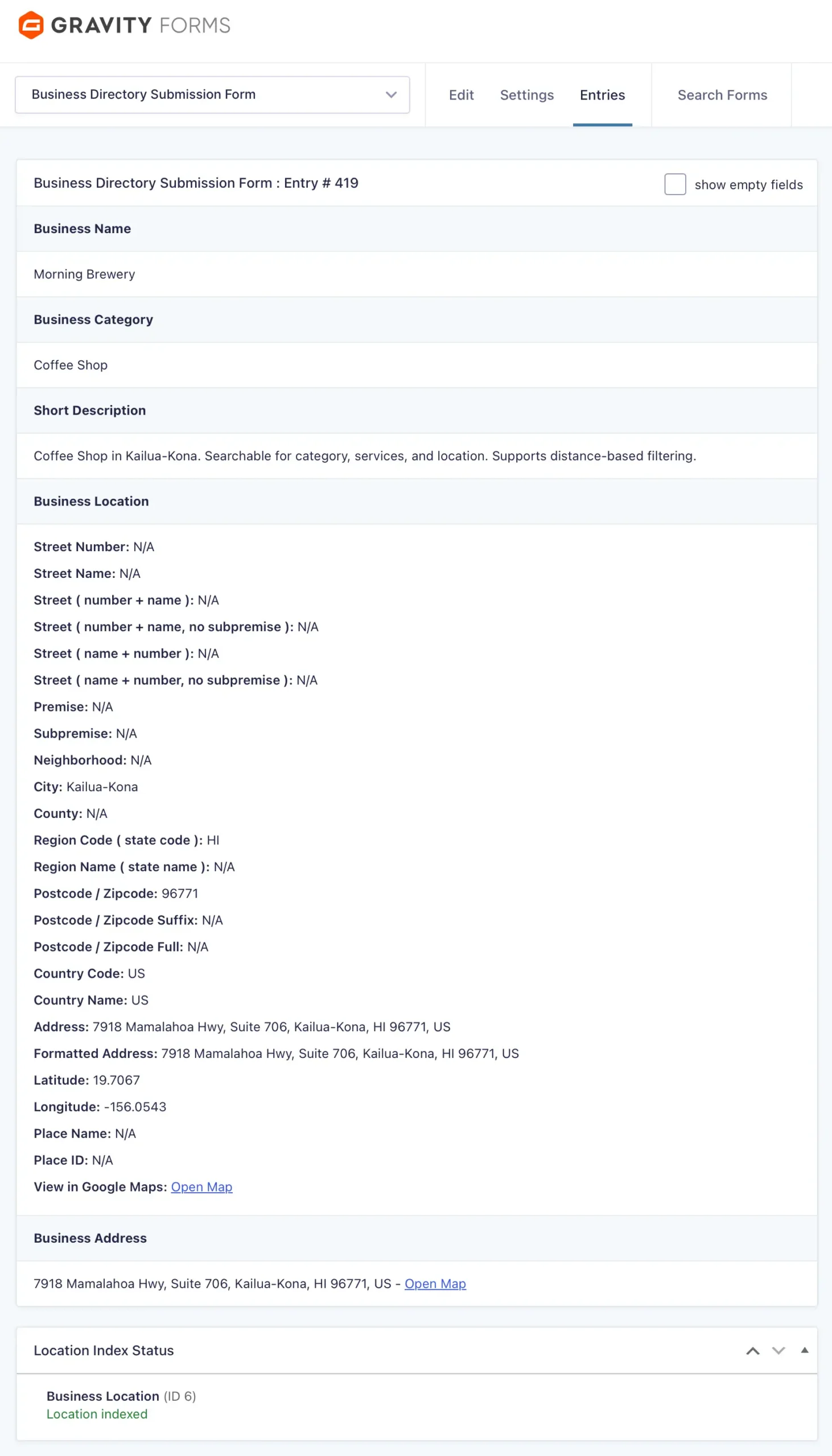
Collect names, profile photos, biographies, contact information, organizations, job titles, skills, certifications, and virtually any information collected with Gravity Forms. Gravity Search automatically transforms those entries into a searchable member directory.
Whether you’re building a public member directory or a private internal directory, your existing Gravity Forms workflow remains exactly the same.

Allow visitors to search members using:
Whether someone is looking for a colleague, board member, volunteer, or industry expert, Gravity Search makes finding the right person fast and intuitive.

Need to find members by location?
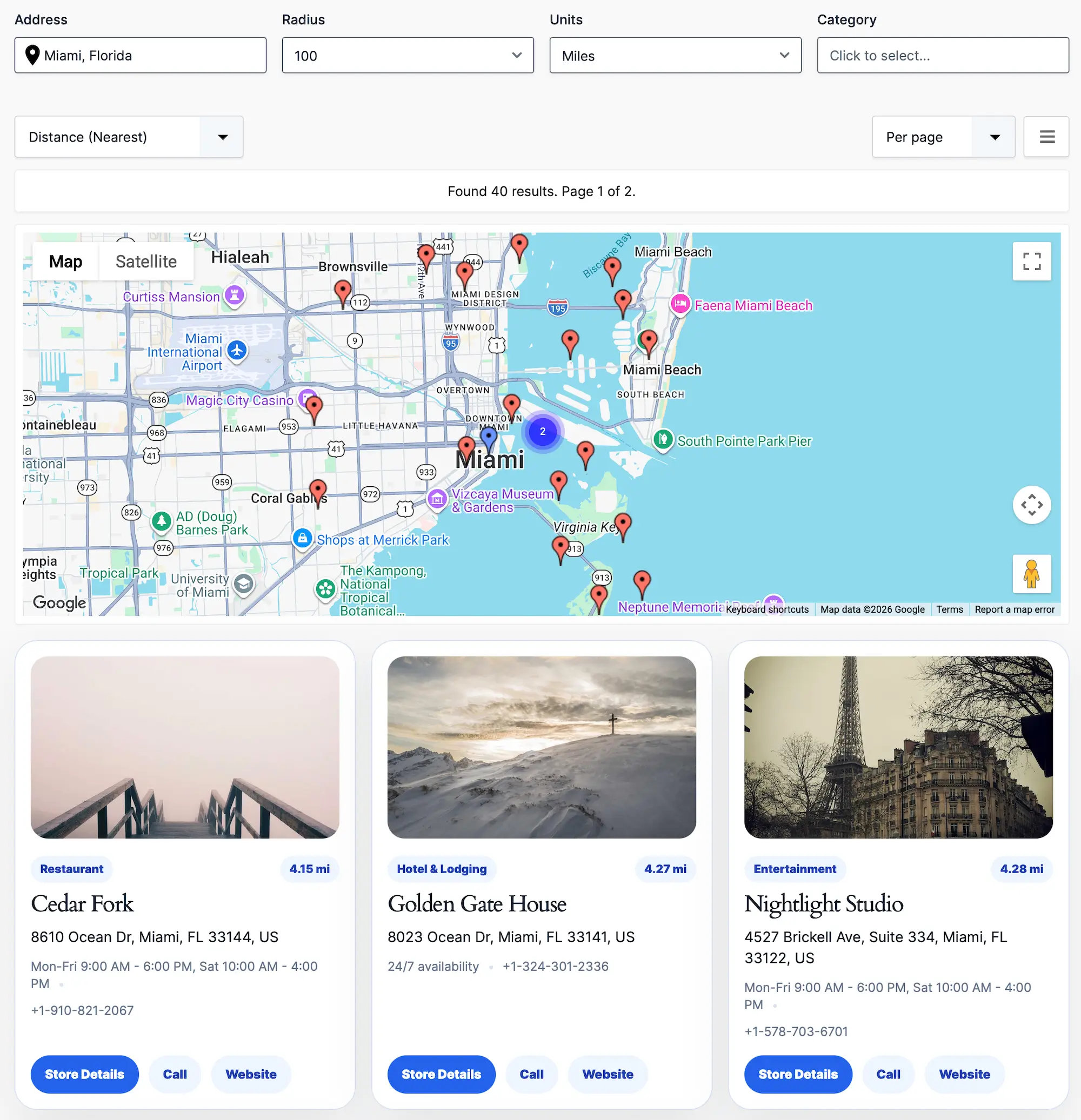
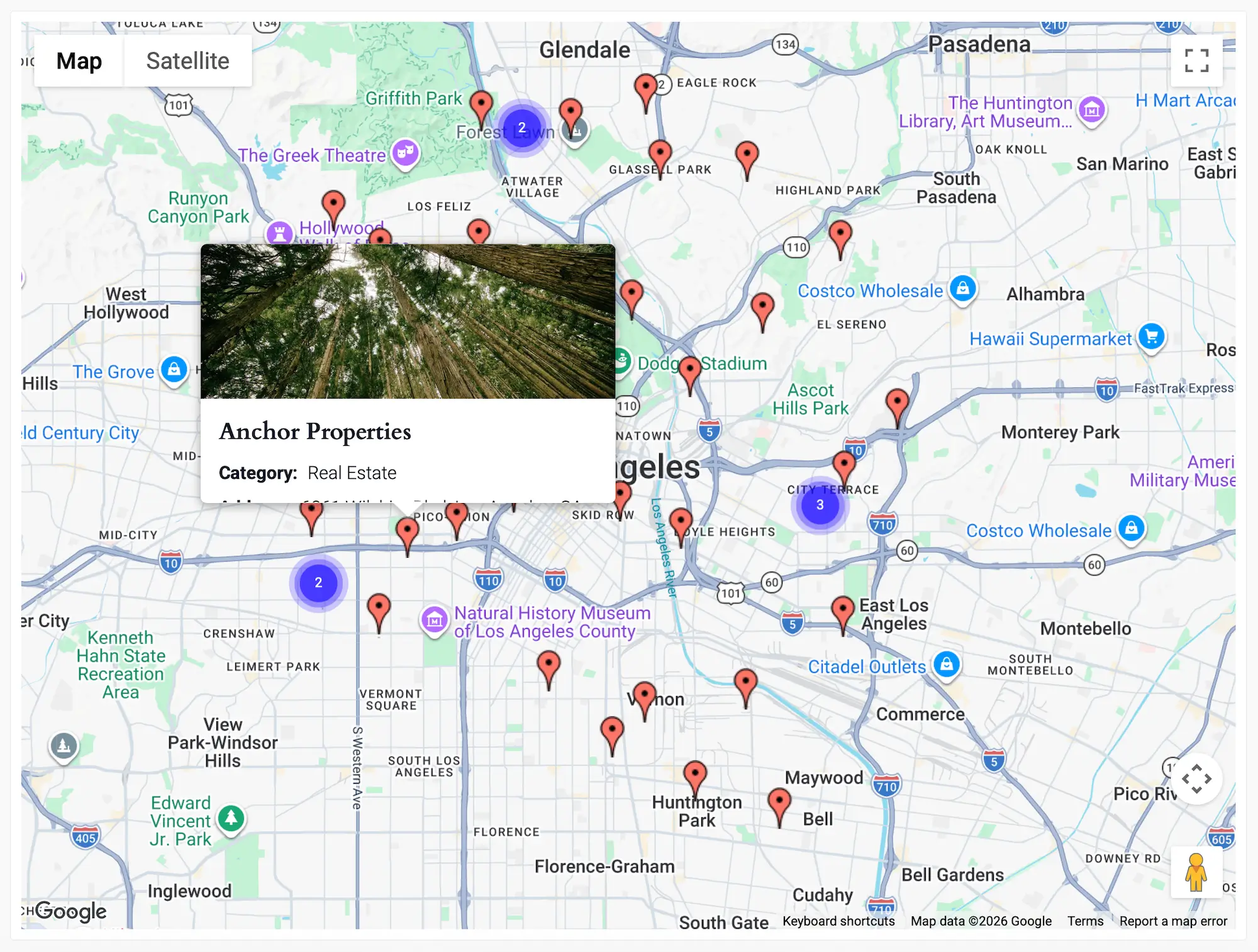
Display search results directly on Google Maps with interactive markers, clustering, and location-aware search.
Perfect for organizations with regional chapters, local representatives, service providers, or distributed teams.

Create rich member directories tailored to your organization.
Organize members by:
Create directories tailored to your organization by organizing members with categories, membership levels, departments, skills, certifications, and any additional information collected through Gravity Forms.

Give every member a professional profile page.
Display:
Perfect for professional associations, networking groups, schools, nonprofits, clubs, and private communities.
Built specifically for Gravity Forms users
Yes. Gravity Search transforms your existing Gravity Forms entries into a searchable member directory with advanced filtering, dedicated member profiles, and flexible display layouts.
Yes. Every member can have a dedicated profile page displaying biographies, contact information, organizations, job titles, images, social links, and any other information collected with Gravity Forms.
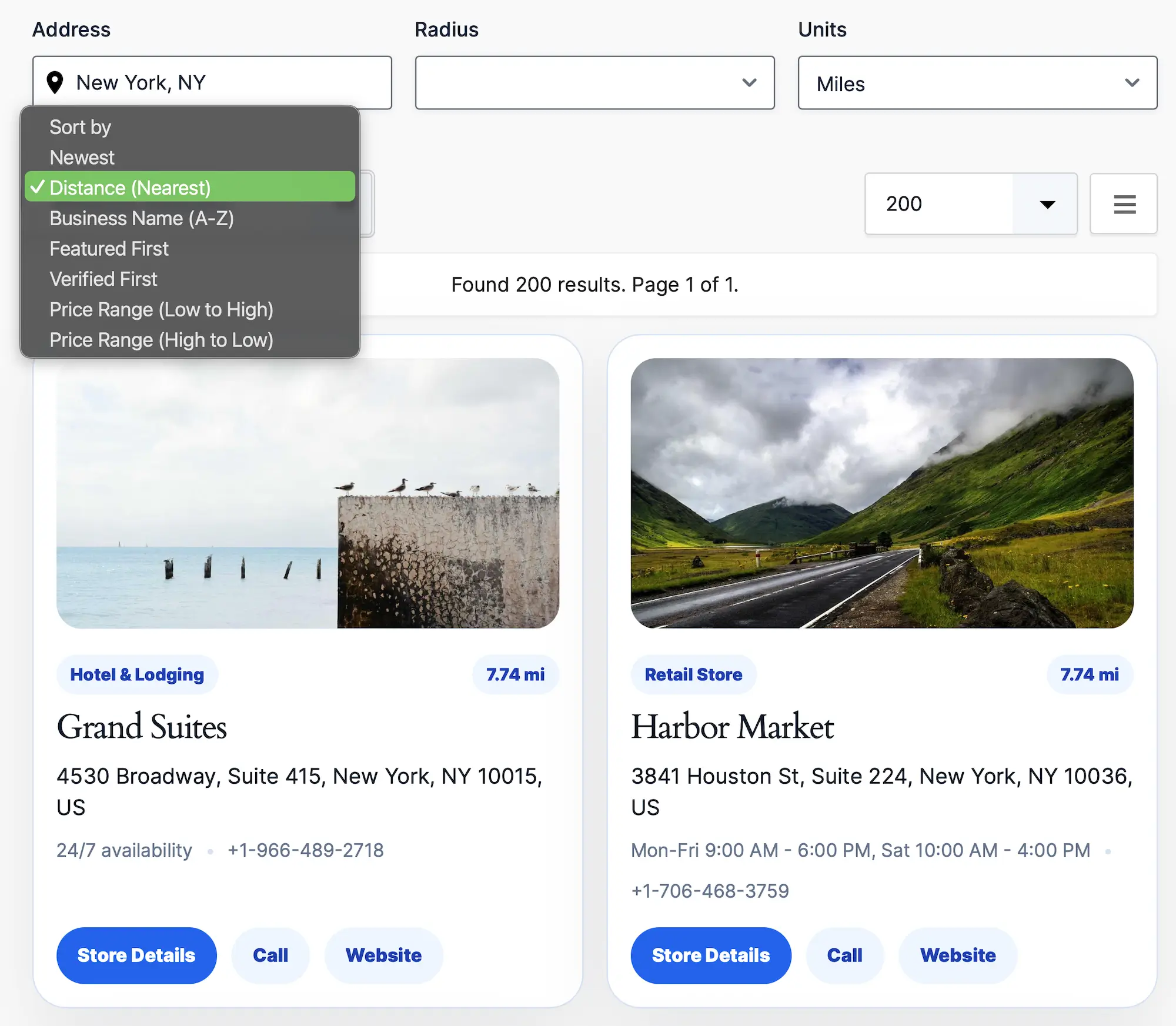
Yes. Visitors can search by names, companies, departments, membership levels, skills, locations, and virtually any information collected through your Gravity Form.
Yes. If your member records include location information, you can display them on interactive Google Maps with proximity search, marker clustering, and radius filtering.
Yes. Display members using grids, lists, tables, maps, or fully customized templates that match your website’s design and branding.
Yes. A single Gravity Form can power multiple member directories, each with its own search filters, layouts, sorting options, and display settings.
No. Most member directories can be built using the familiar Gravity Forms interface without writing code. Developers can further customize layouts and functionality using templates, hooks, and filters.
A Google Maps Platform API key is only required if you use map-based features such as interactive maps, address autocomplete, or proximity search. Member directories can also be built without maps.
Create searchable member directories, professional member profiles, and advanced search experiences—all powered by your existing Gravity Forms entries.
Special introductory pricing applies to the first year. Renewals are billed at the regular price. You can upgrade or cancel your plan at any time. Each plan includes automatic updates, premium support, and is backed by our 14-day money-back guarantee.
All purchases are securely processed on GEO my WP, our parent platform, where you can manage license, update, and support.