
Build a Customer Portal with Gravity Forms

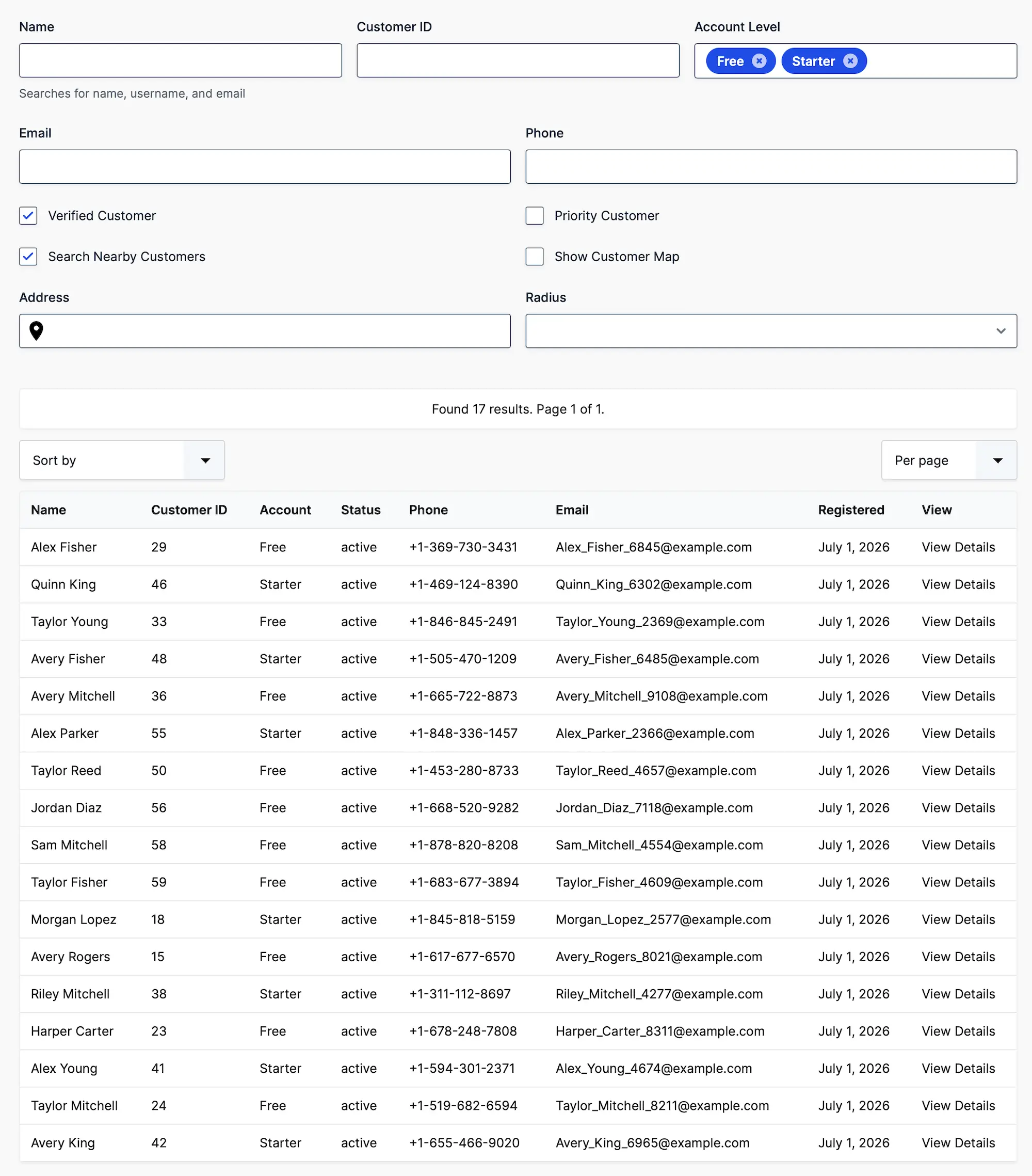
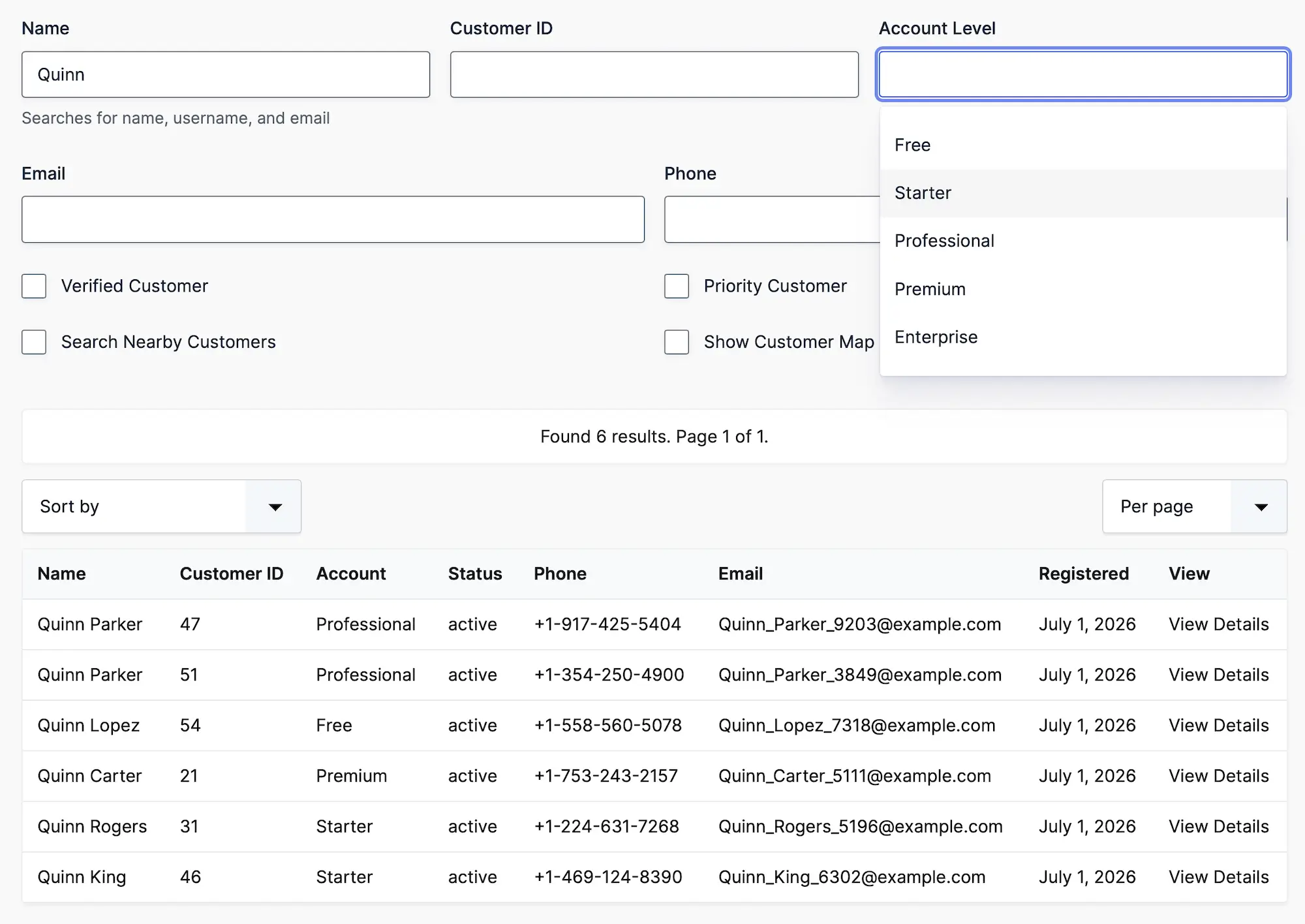
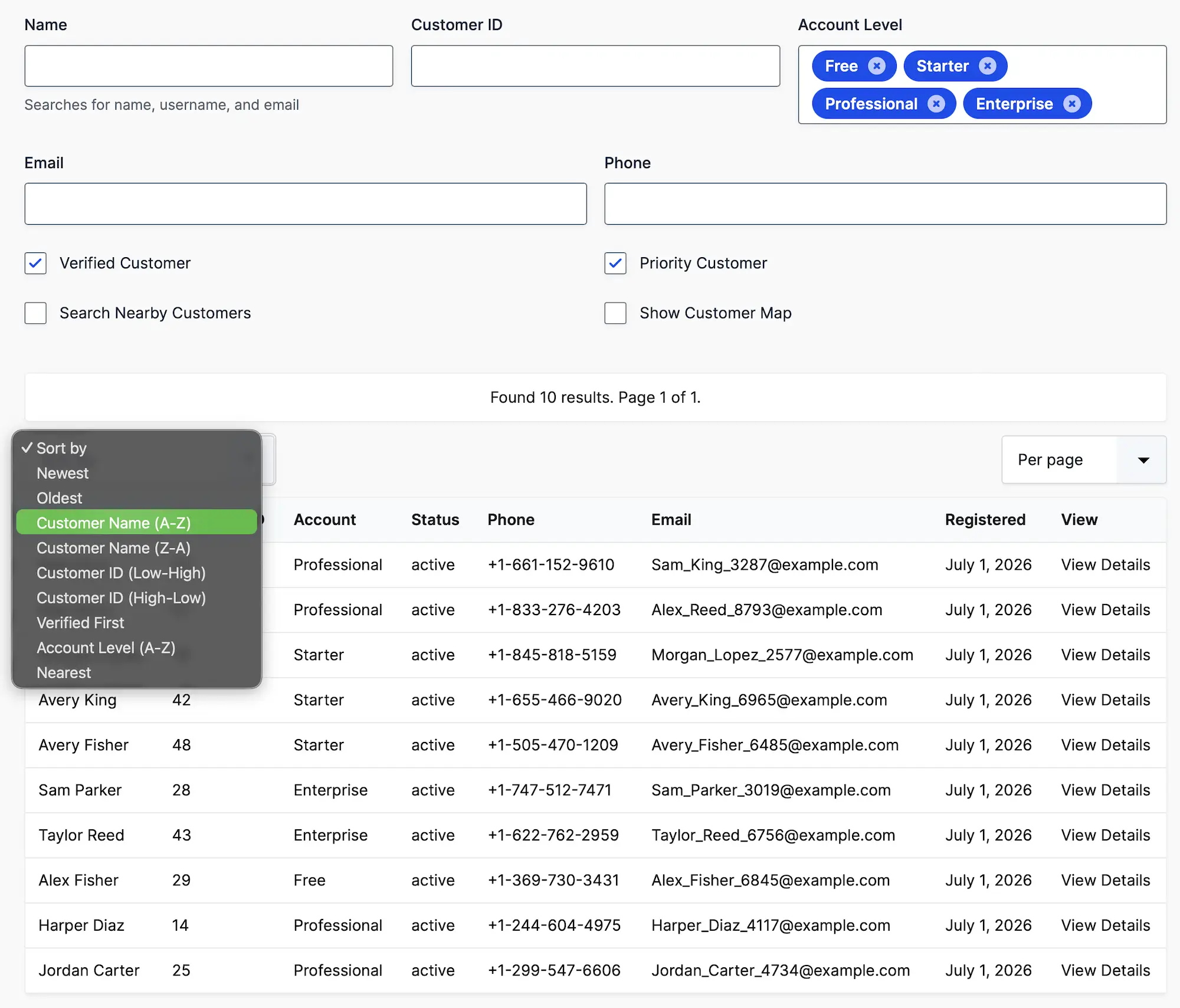
Create searchable customer portals where logged-in users can find and view relevant Gravity Forms entries using advanced filtering, detailed record pages, interactive maps, and flexible layouts.

Gravity Search Customer Portal Search

Everything You Need to Build a Customer Portal

Give logged-in users a searchable frontend interface for viewing relevant information stored in Gravity Forms entries

Why Gravity Search?

Built specifically for Gravity Forms users

Gravity Search

Traditional Directory Plugins

Uses existing Gravity Forms
Requires importing customer data
Search supported customer fields and entry metadata
Limited search capabilities
Fully customizable templates
Limited layout customization
Interactive maps and proximity search
Usually no mapping support
Works with existing Gravity Forms workflows
Separate customer management system

Frequently Asked Questions

Can I build a customer portal using Gravity Forms?

Yes. Gravity Search transforms Gravity Forms entries into searchable customer portals where users can browse, search, and view information collected through your forms.

Can customers search only their own records?

Gravity Search can restrict results to entries created by the logged-in user. Use WordPress or another access-control solution to protect the portal and related details pages; this filter is not a substitute for authentication or authorization.

Can customers edit their entries from the portal?

Gravity Search does not provide frontend entry editing. Customers can search and view entries through the portal. Editing requires access to the WordPress dashboard or a separate frontend editing solution.

What kind of information can I display?

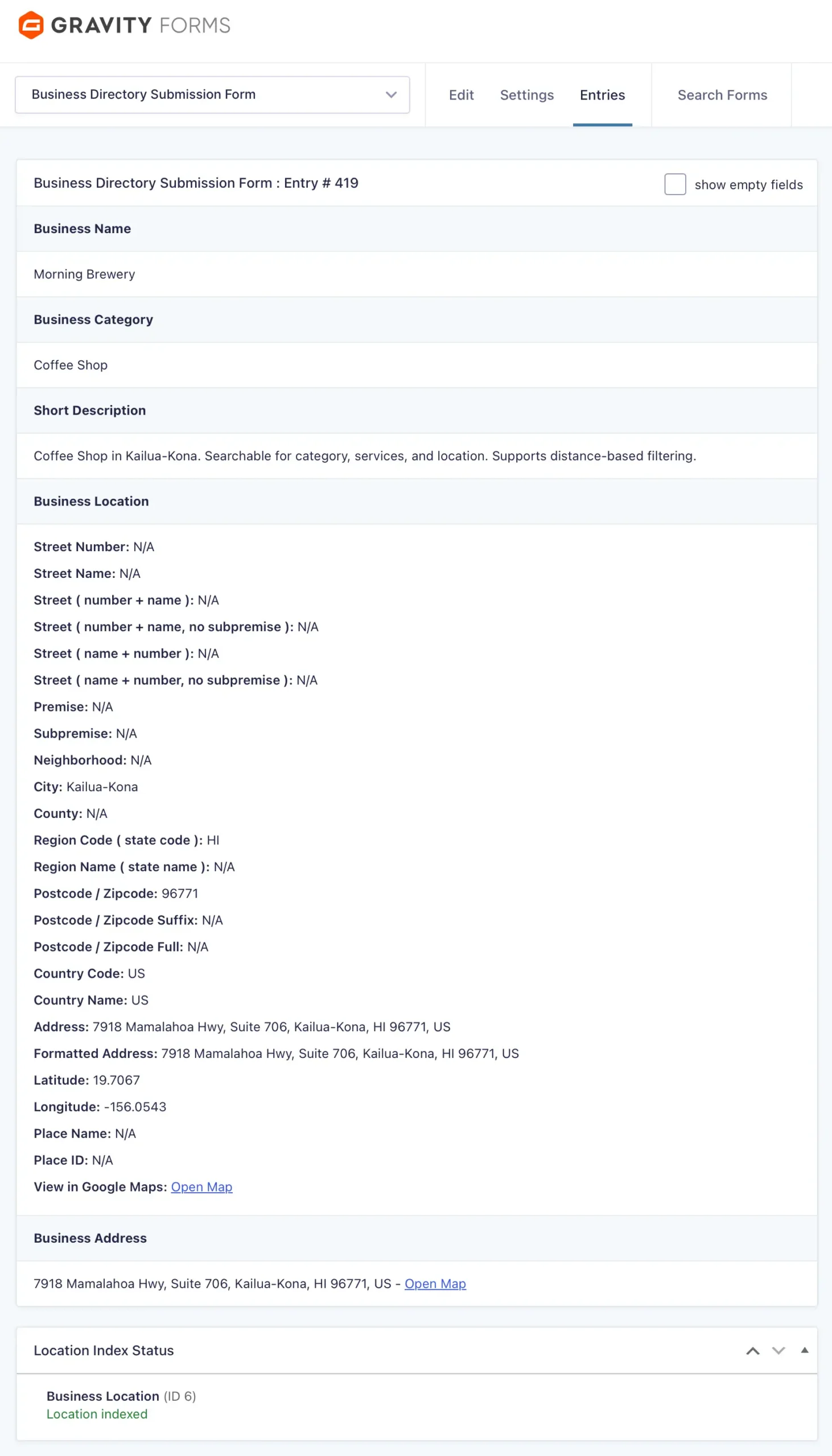
Anything collected with Gravity Forms, including invoices, appointments, support tickets, documents, warranties, service history, locations, images, and custom fields.

Can I create dedicated customer pages?

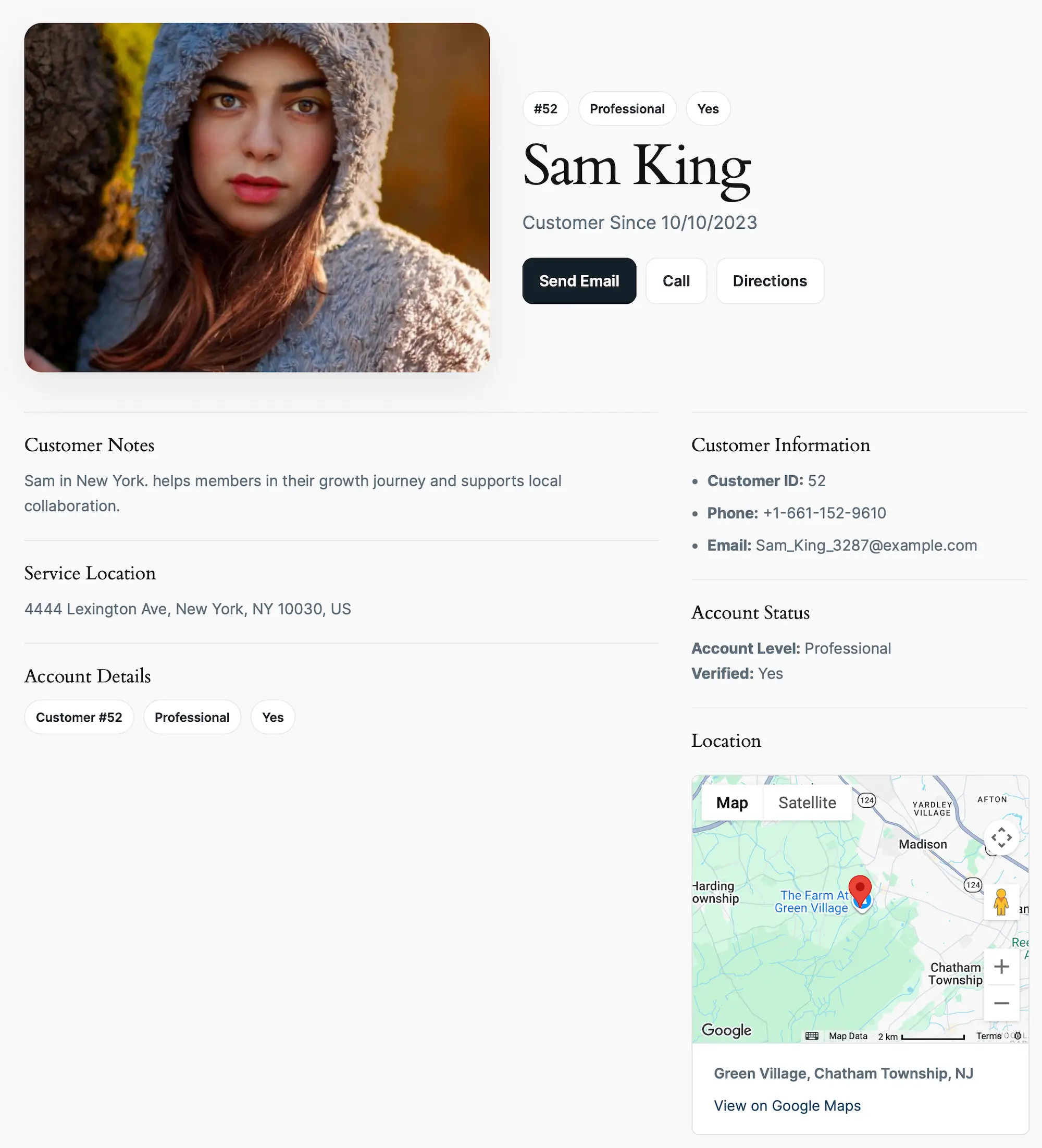
Yes. Each entry can have its own details page displaying any Gravity Forms field using flexible templates and merge tags.

Can I display customer information on Google Maps?

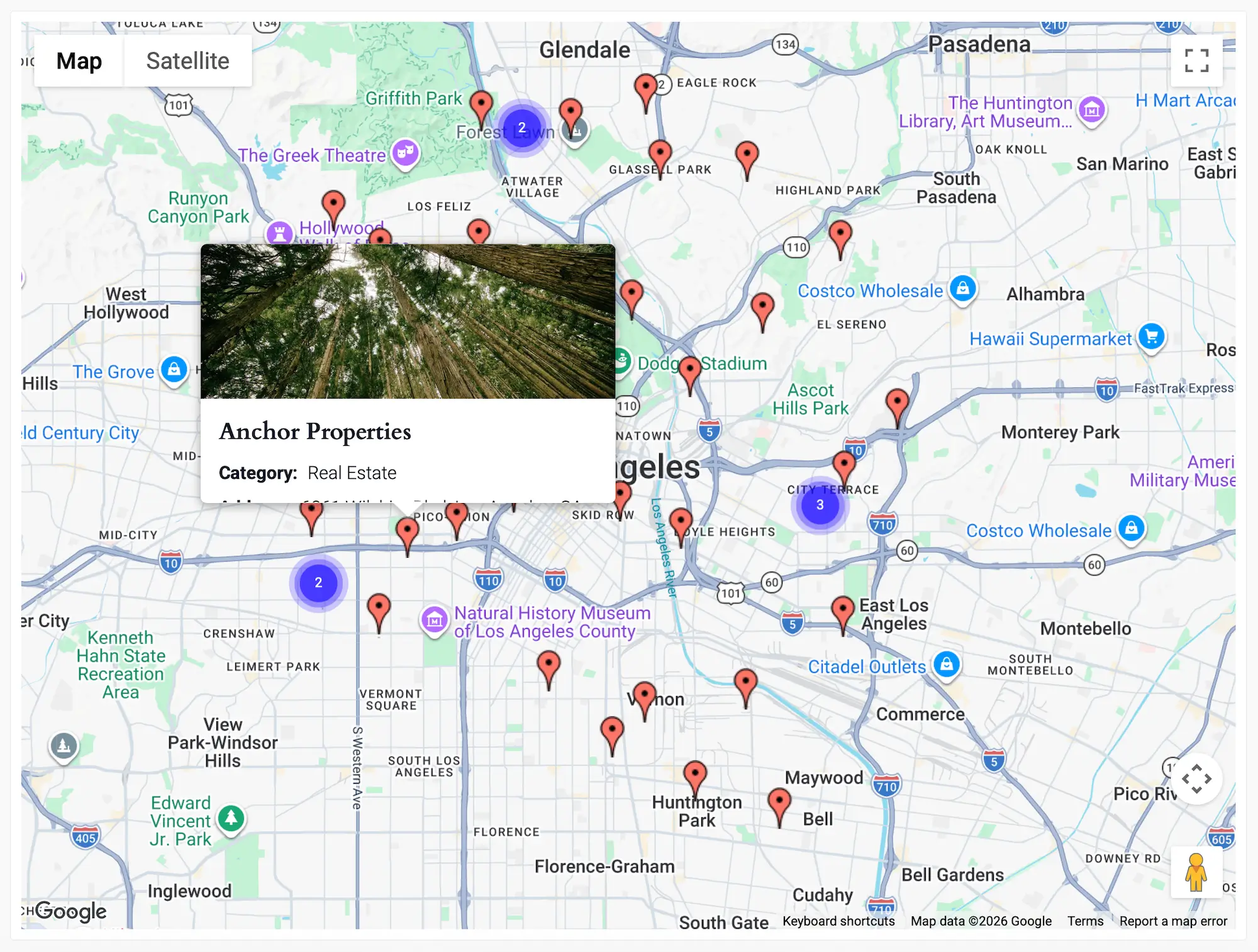
Yes. Customer locations, appointments, deliveries, properties, service calls, or any location data can be displayed on interactive Google Maps.

Can I customize the portal layout?

Absolutely. Display entries as cards, lists, tables, maps, or completely custom layouts using your existing WordPress theme or page builder.

Do I need a Google Maps API key?

A Google Maps Platform API key is only required for map-based features such as interactive maps, address autocomplete, proximity search, and driving directions.

Ready to Build Your Customer Portal?

Explore the live demo or start building your own customer portal today.

Choose a Gravity Geolocation Plan

Build location-aware forms, route workflows, maps, and searchable directories with Gravity Forms.
Every plan includes one year of updates and support, plus a 14-day money-back guarantee. Upgrade anytime.
Recommended for this solution

Start with Gravity Search

Everything you need for searchable directories, portals, and entry displays, with a clear upgrade path when you need more.