
Find the closest destination to any address using driving distance, travel time, or radius-based location matching

Automatically route users to the best location, service area, office, store, or pickup point
Search hundreds of destinations and instantly display the nearest matches

Search destinations from manual location lists, database tables, or custom datasets.
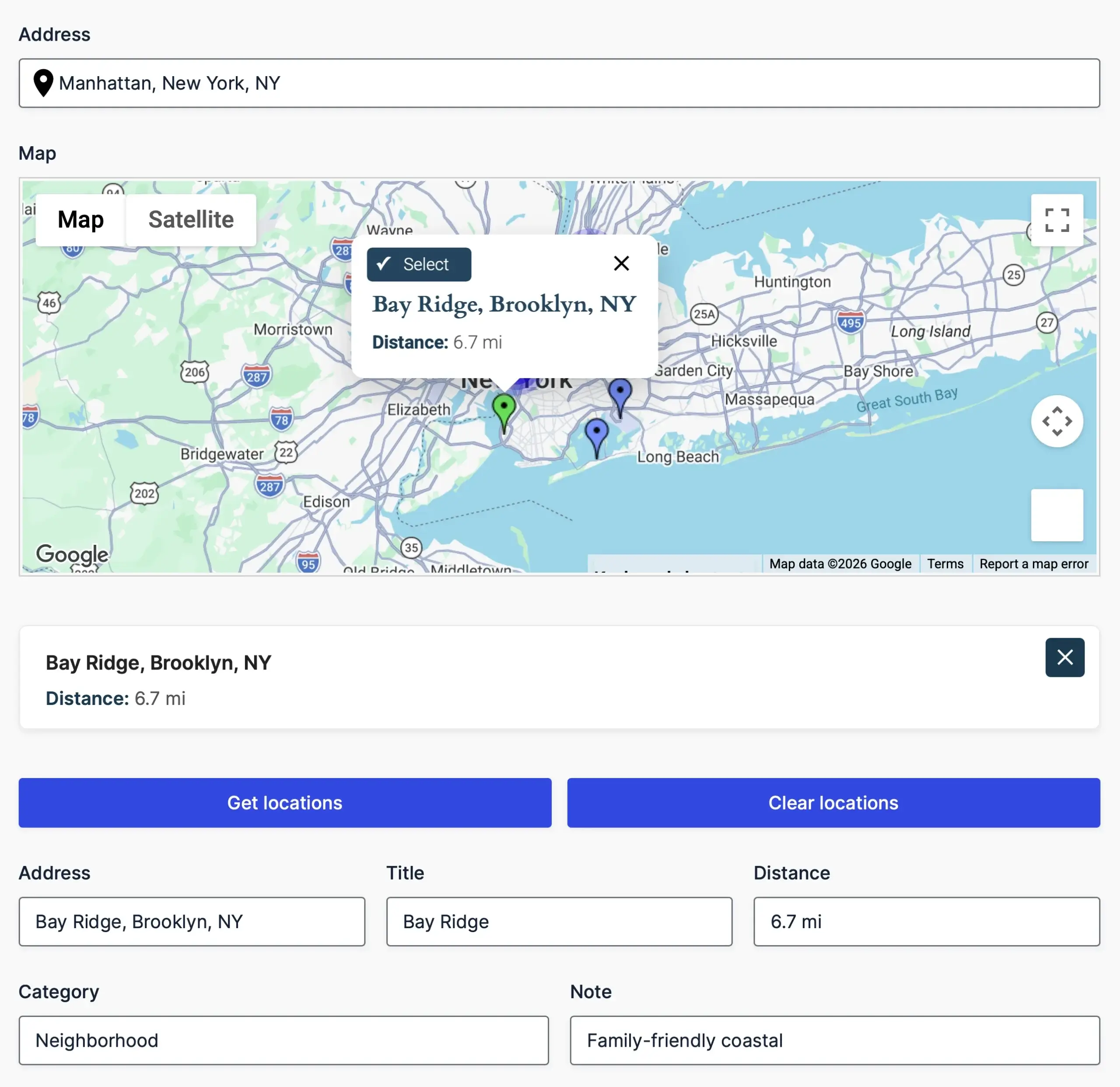
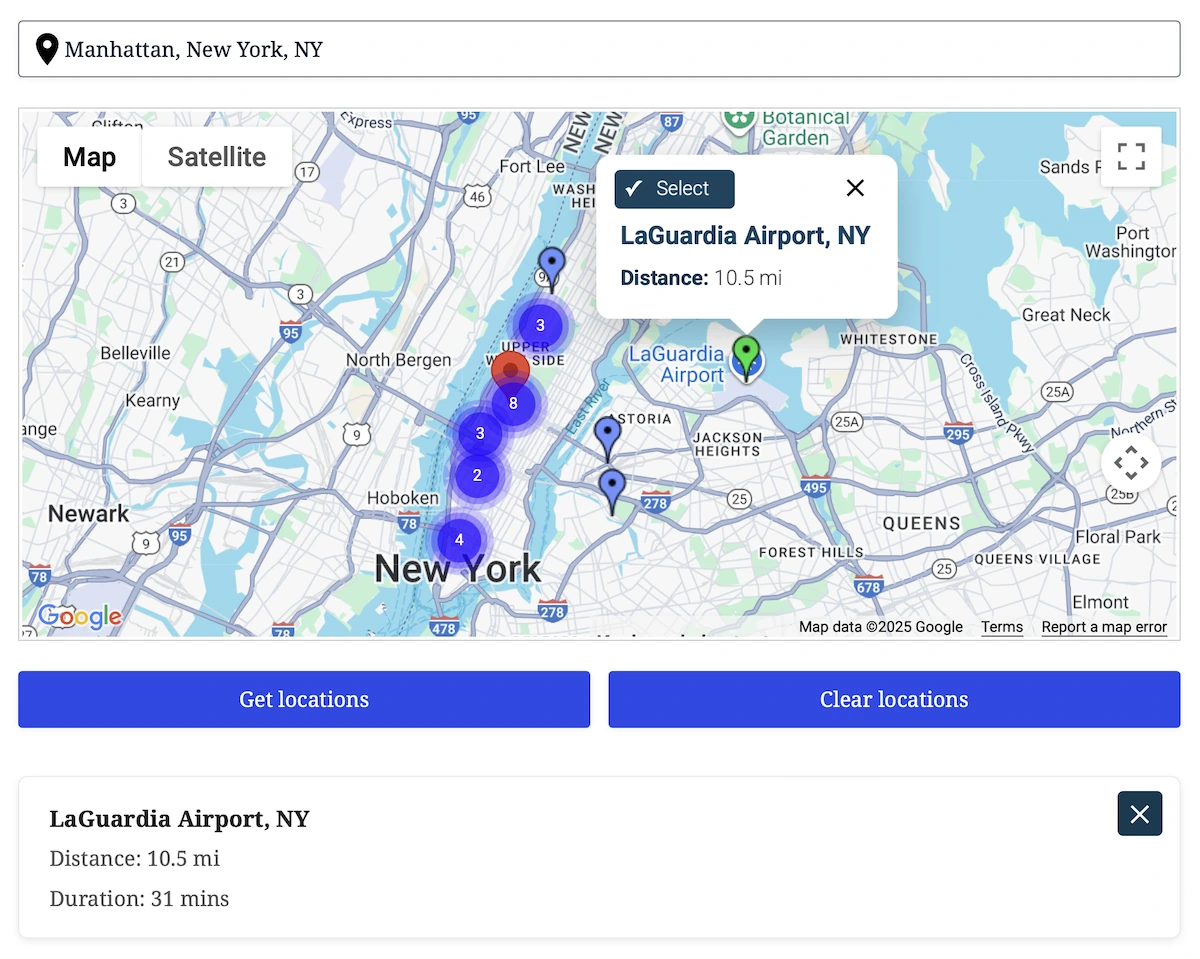
Display nearest matches on a map with clickable markers and info windows.
Send selected locations directly into address fields, hidden inputs, and workflows.
Control exactly how locations appear in maps, panels, and output fields.
Choose how nearest locations are found based on your workflow, data source, and performance requirements

Find the closest locations using real-world travel distance and duration.
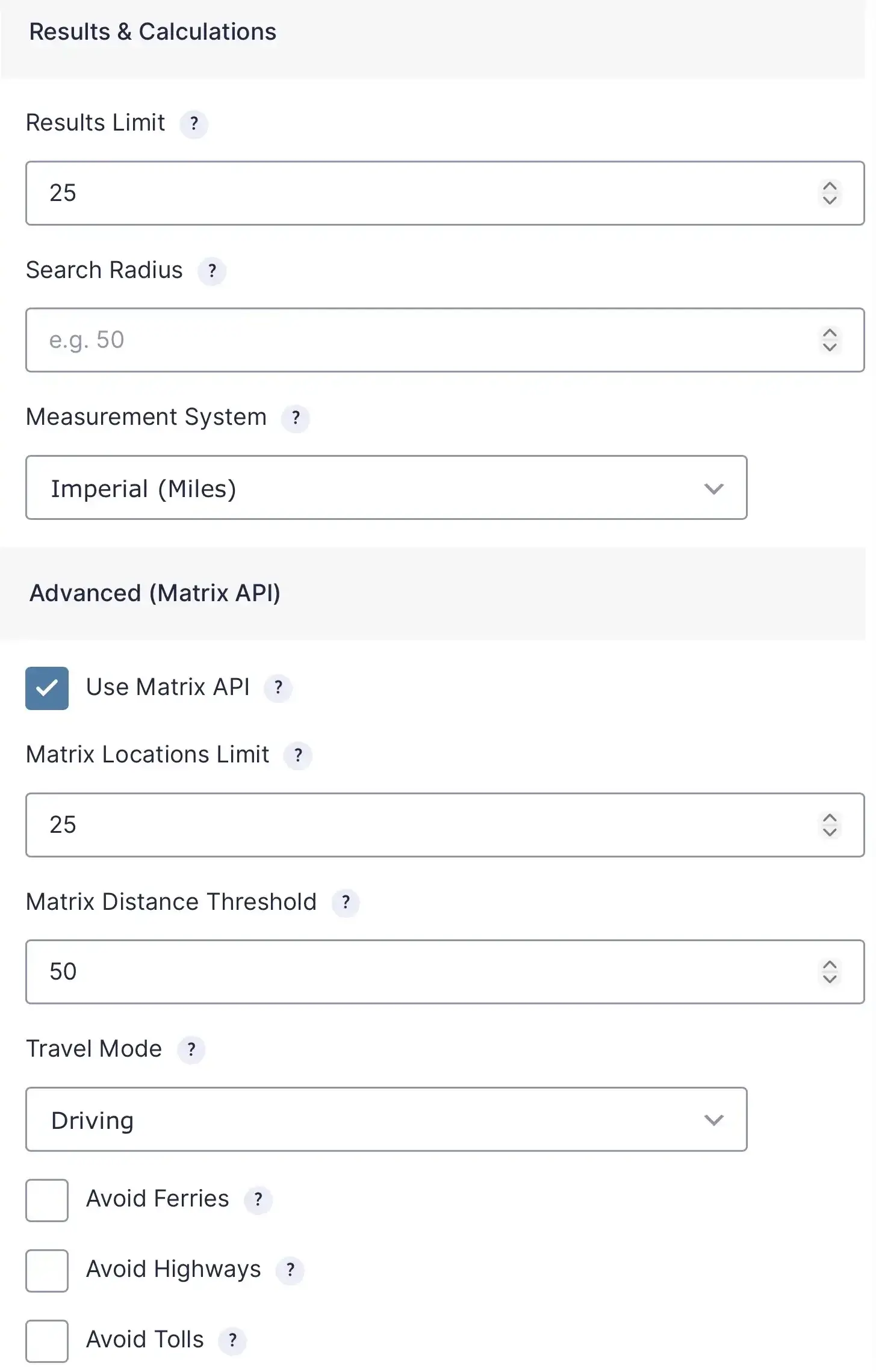
Choose driving, walking, bicycling, or two-wheeler travel modes and customize routing behavior.
Display distances in miles or kilometers to match your audience and region.
Use the Matrix API for accurate travel calculations or configure thresholds to reduce API usage.
Use the selected location anywhere inside Gravity Forms and automatically populate your workflows

Send the selected location into address fields, hidden fields, or custom Gravity Forms inputs.
Populate additional data such as titles, categories, notes, IDs, coordinates, or any custom dataset fields.
Use selected locations and distance values to control form behavior.
Pass location data into notifications, confirmations, calculations, and third-party integrations.
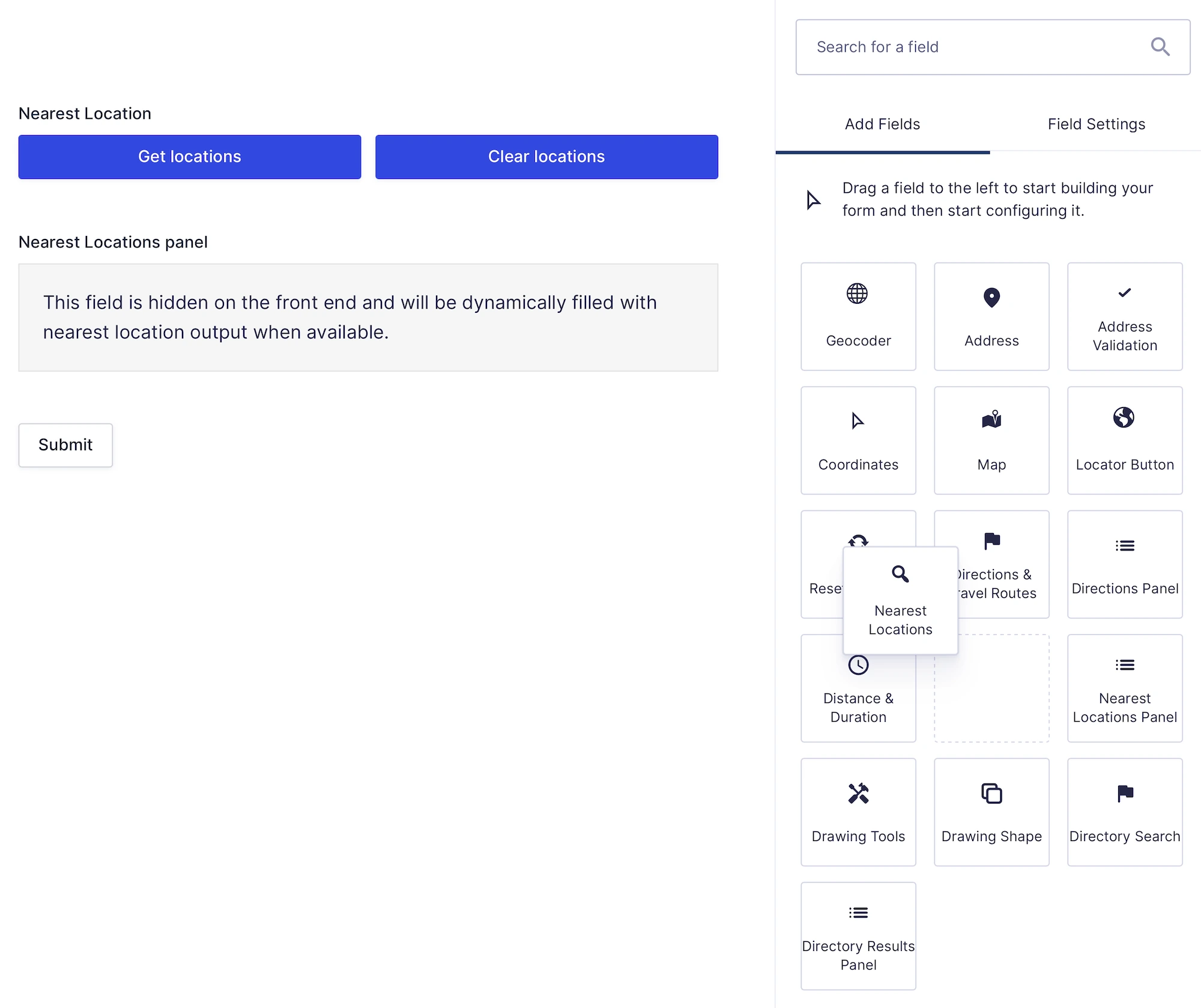
Built as native Gravity Forms fields, not shortcodes or external widgets

Find the nearest destination and connect it directly to your business workflows
Use manual location lists, custom database tables, CSV imports, or existing datasets.
Allow users to select locations directly from map markers and info windows.
Display hundreds of locations efficiently using automatic clustering.
Compare locations using driving distance, travel time, radius searches, or Matrix API calculations.
Send selected locations into address fields, panels, hidden inputs, and custom workflows.
Works seamlessly with conditional logic, notifications, confirmations, and dynamic fields.
Nearest Locations automatically finds the closest store, office, service area, pickup point, or destination based on a user’s address or current location.
Locations can be matched using driving distance, travel time, or configurable radius-based searches depending on your workflow.
Yes. Nearest Locations can search locations stored in custom datasets, WordPress posts, database tables, manual lists, or imported location data.
Yes. Display matching locations on an interactive Google Map with markers, location details, and synchronized map results.
Yes. Selected locations can automatically populate Gravity Forms fields with addresses, coordinates, titles, IDs, distances, travel times, and other location information.
Yes. Configure driving distance, travel mode, search radius, measurement units, Matrix API settings, and performance options to match your workflow.
Yes. The selected location can be used with calculations, conditional logic, notifications, confirmations, merge tags, and custom workflows.
Yes. A Google Maps Platform API key is required to calculate travel distance, travel time, and nearest location results.
Special introductory pricing applies to the first year. Renewals are billed at the regular price. You can upgrade or cancel your plan at any time. Each plan includes automatic updates, premium support, and is backed by our 14-day money-back guarantee.
All purchases are securely processed on GEO my WP, our parent platform, where you can manage license, update, and support.