
Help visitors find nearby stores, offices, dealers, and service providers using maps, radius search, and distance-based search.

Create location-based search experiences with maps, radius search, distance calculations, and detailed location pages.

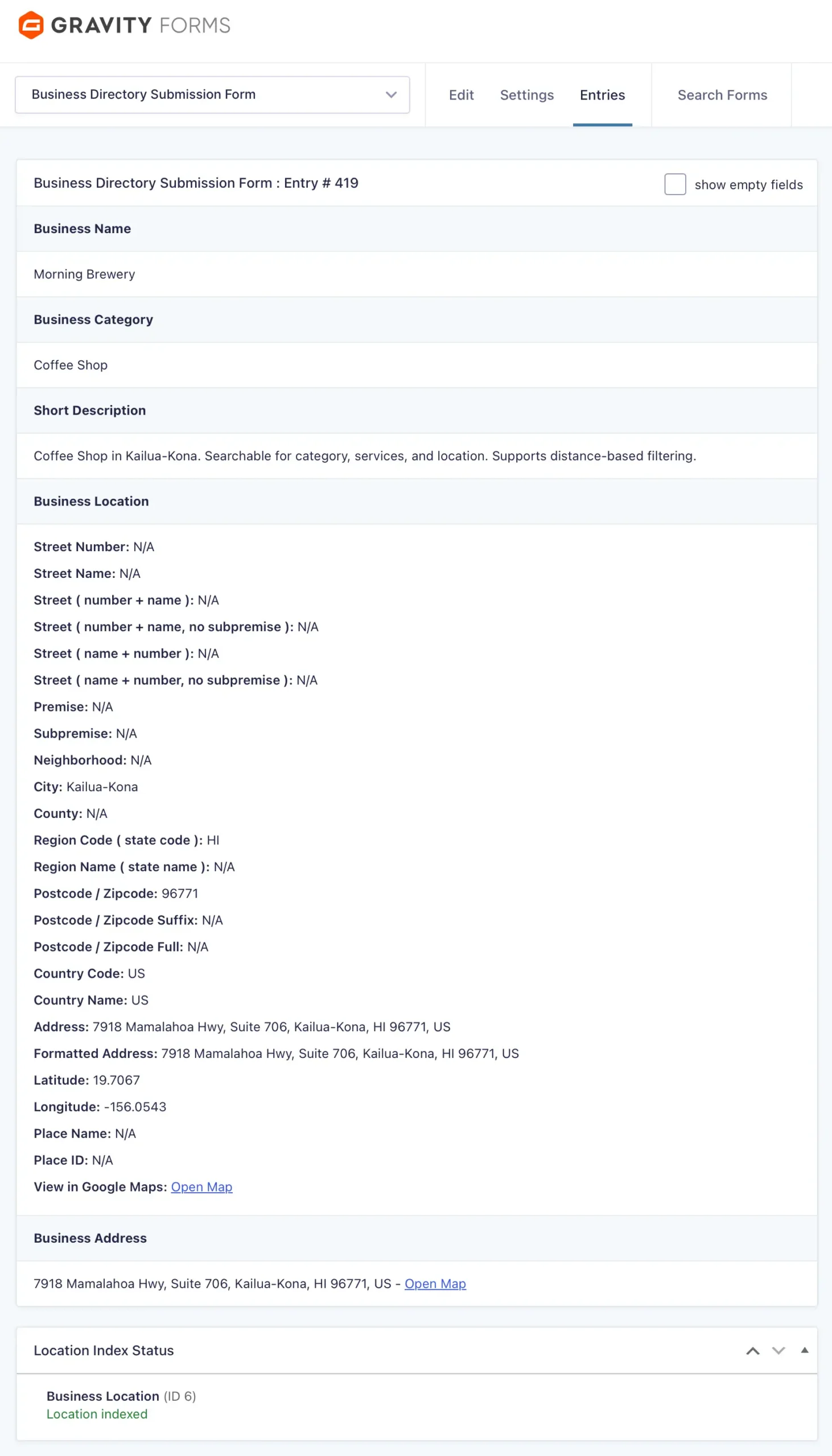
Every store locator starts with accurate location data.
Store addresses, contact information, business hours, and custom details can all be collected using Gravity Forms and automatically made searchable through Gravity Search.
Use one location or multiple locations per entry, depending on your workflow.

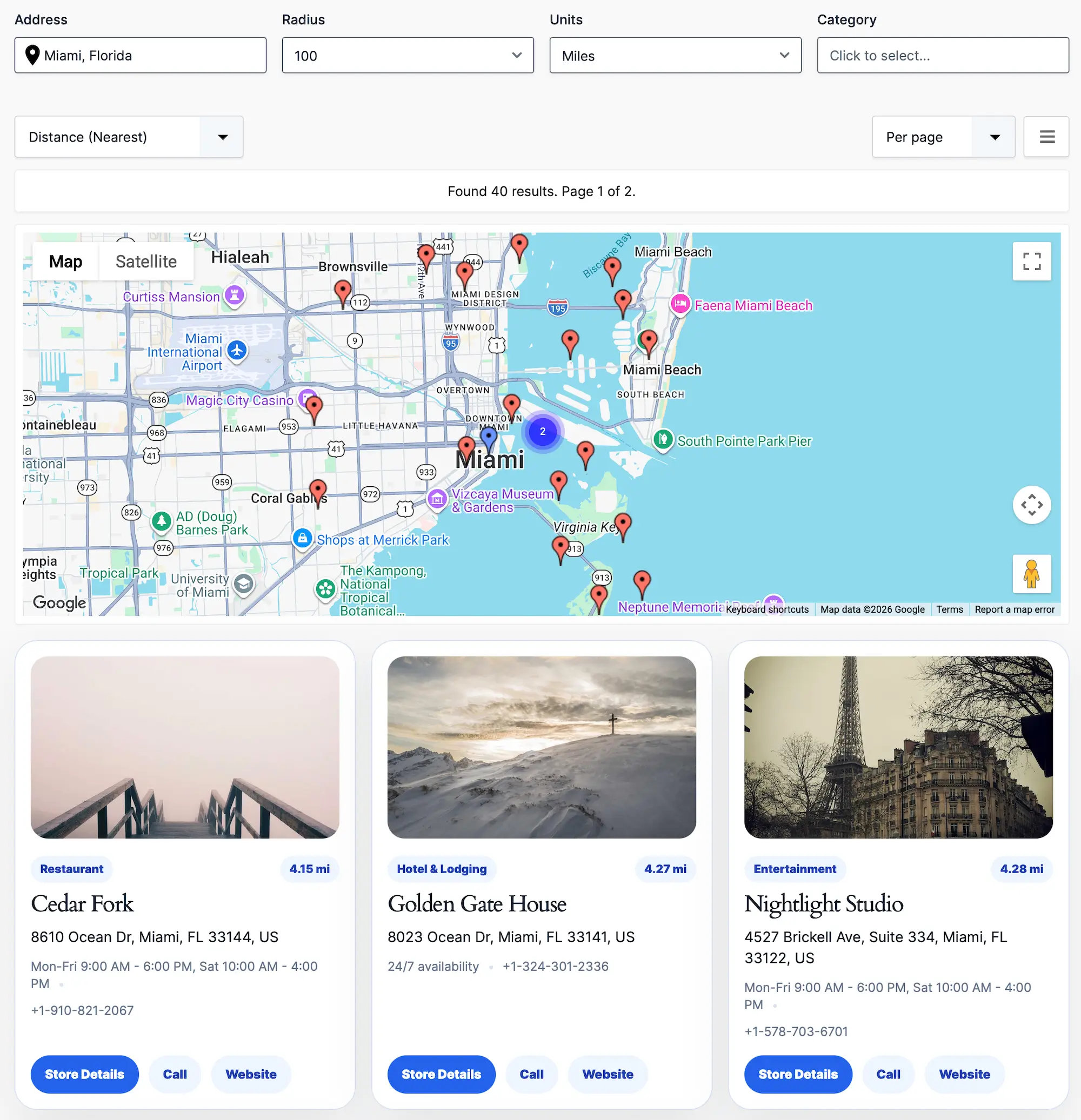
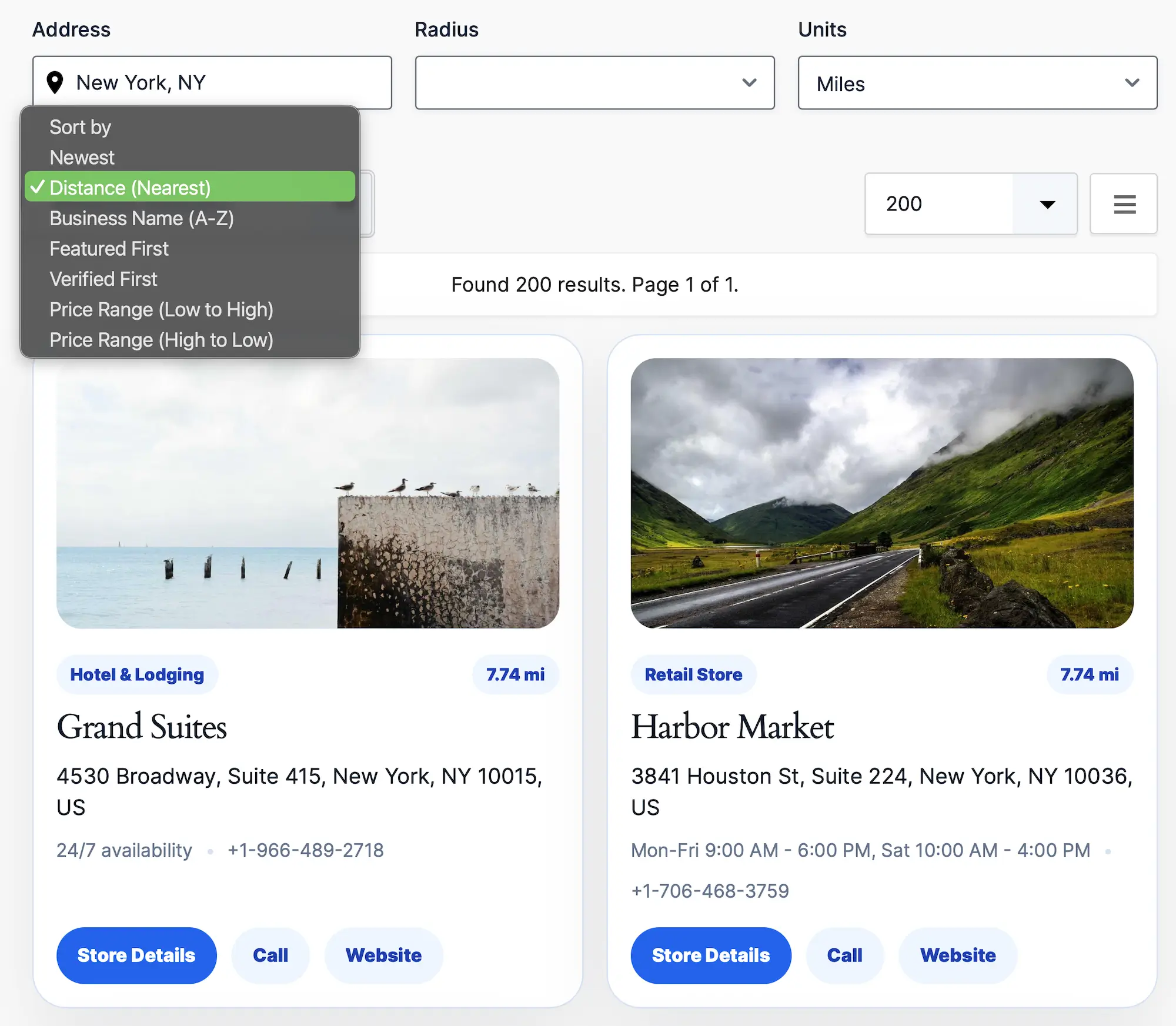
Allow visitors to search by address, ZIP code, city, or current location.
Radius search makes it easy to find the closest store, office, service provider, or dealer within a selected distance.

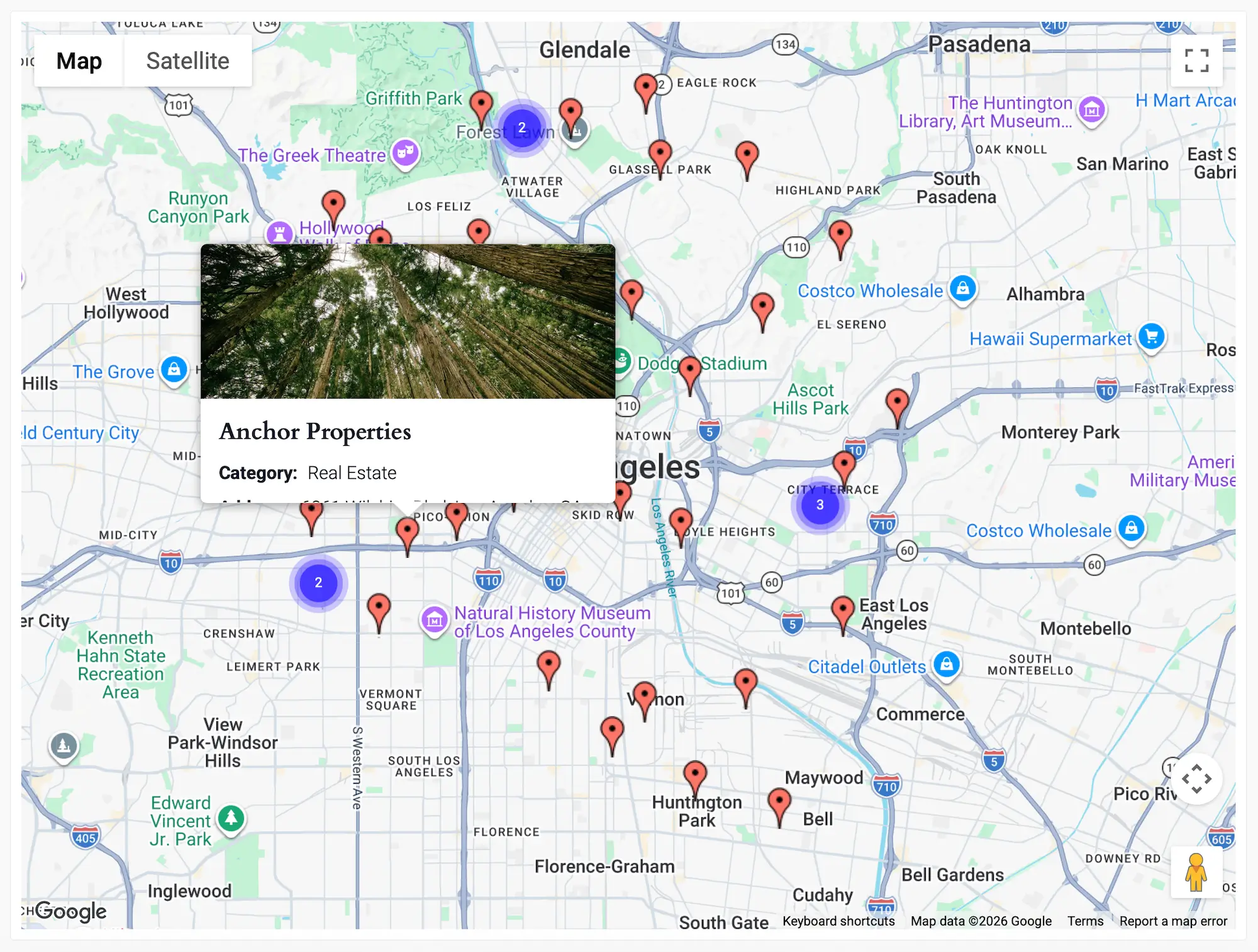
Display search results directly on Google Maps with interactive markers, clustering, and location information.
Maps automatically update as visitors change filters or perform proximity searches.

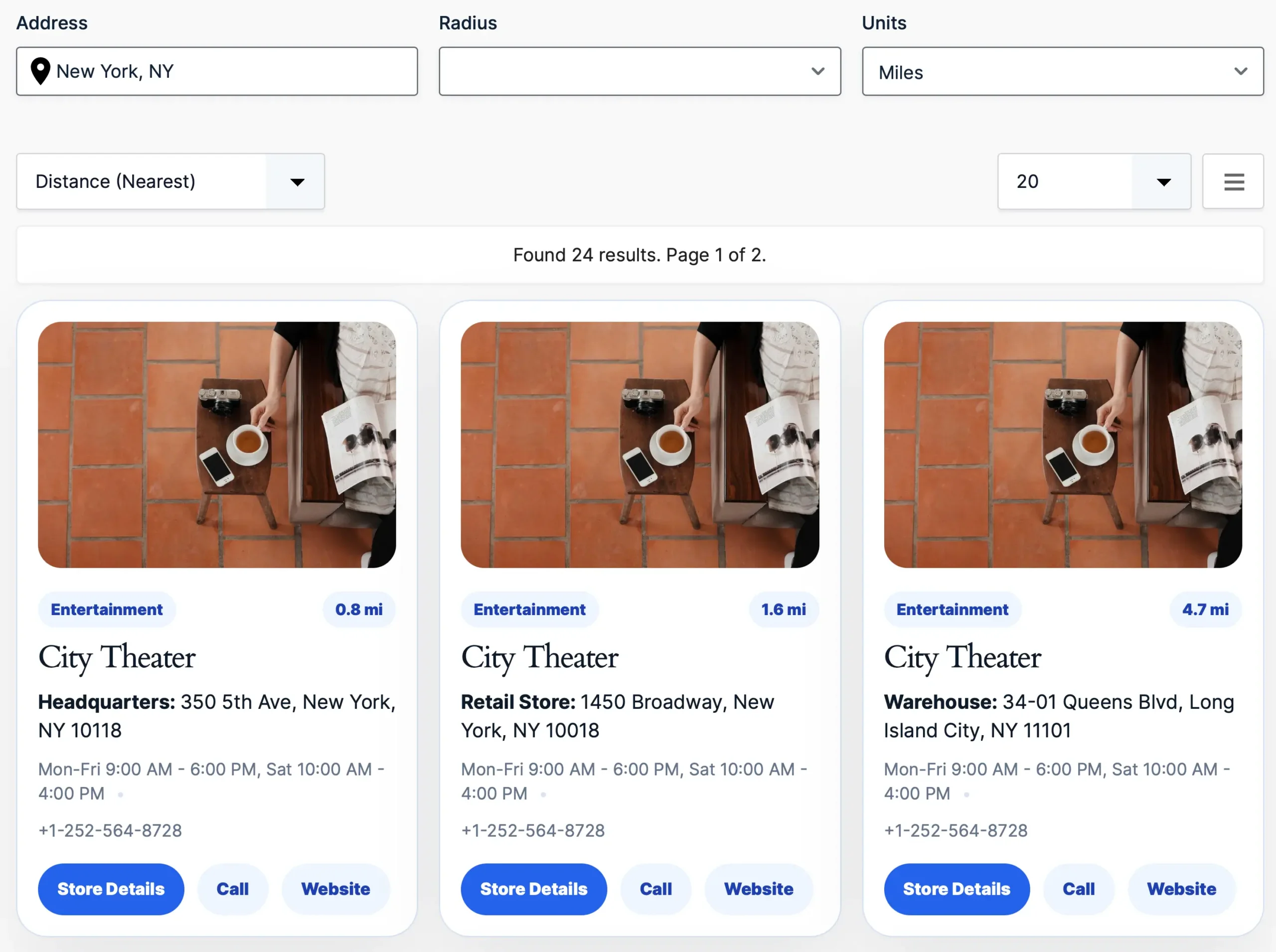
Many businesses operate from multiple locations.
Gravity Search can index and search multiple locations attached to a single entry, making it possible to manage headquarters, retail stores, branch offices, warehouses, and service centers from one record.
Choose which location types are used for maps, distance calculations, and proximity searches, or search across all locations at once.

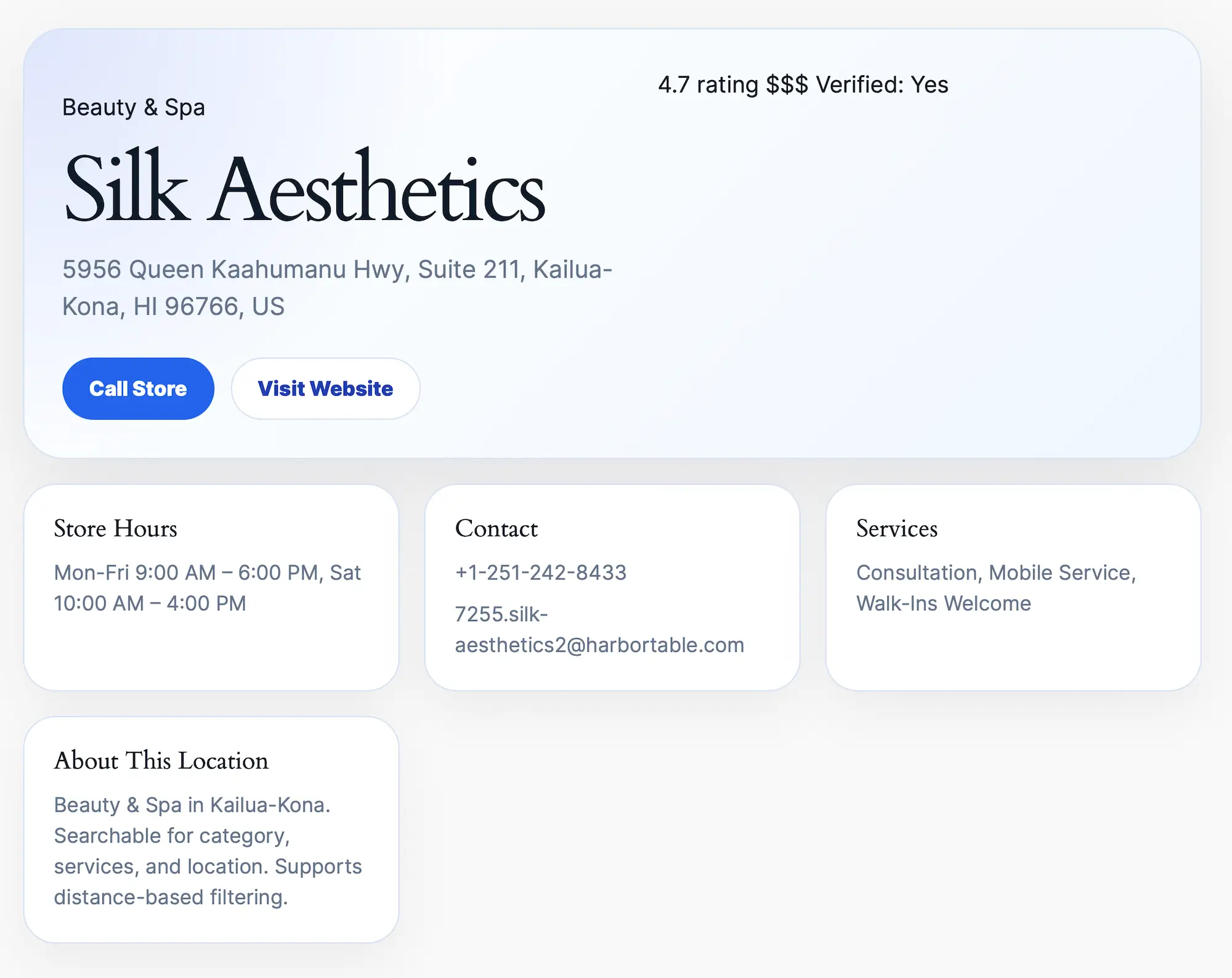
Each location can have its own dedicated page containing addresses, contact information, maps, business hours, services, photos, and custom fields.
Perfect for creating detailed store, office, or dealer pages.
Built specifically for Gravity Forms users
Explore the live demo or start building your own store locator today.
Special introductory pricing applies to the first year. Renewals are billed at the regular price. You can upgrade or cancel your plan at any time. Each plan includes automatic updates, premium support, and is backed by our 14-day money-back guarantee.
All purchases are securely processed on GEO my WP, our parent platform, where you can manage license, update, and support.