
Validate, standardize, and verify addresses before they enter your workflow

Improve address quality, reduce delivery issues, and collect more reliable customer data
Give users the opportunity to review and confirm suggested address corrections before continuing

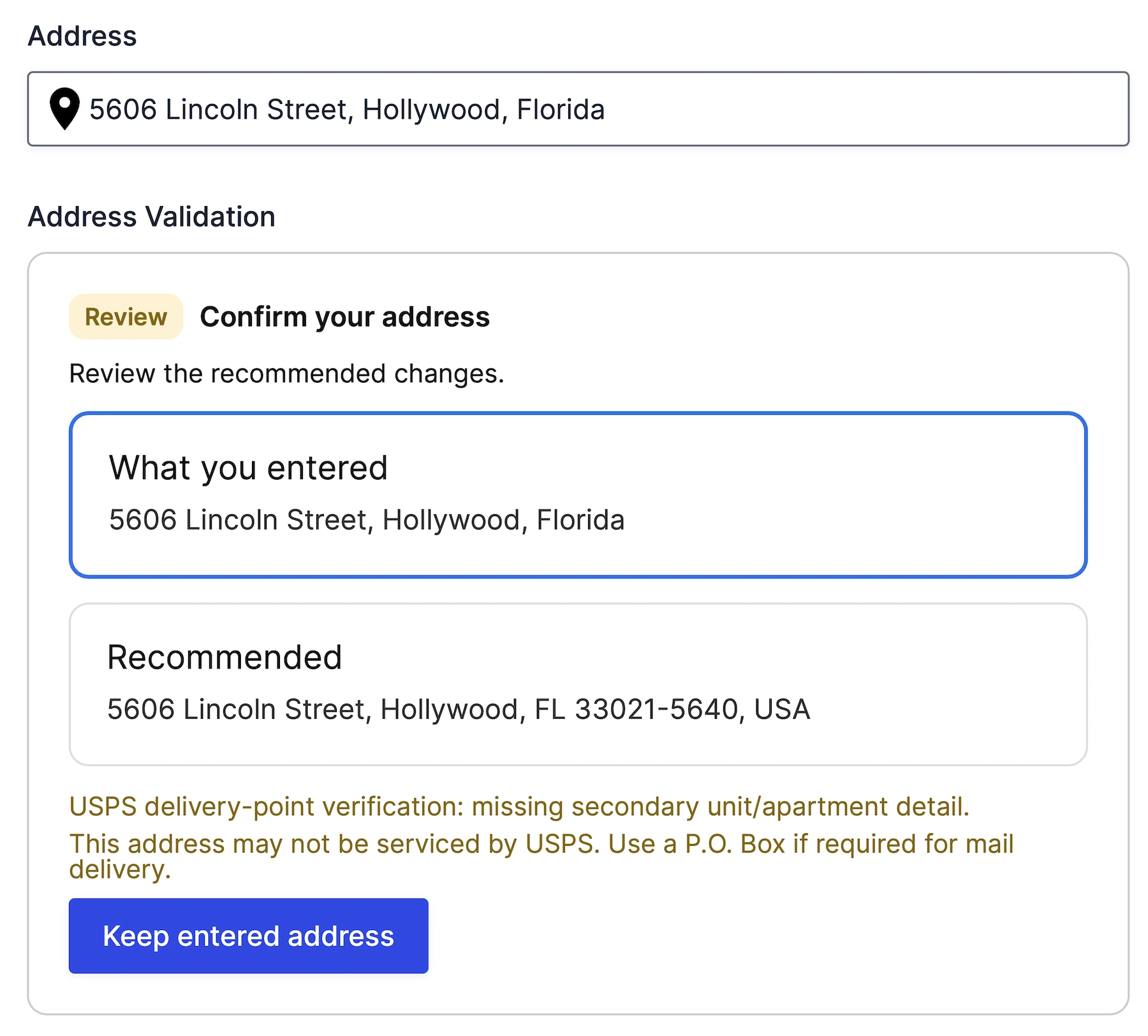
Show exactly what was entered and what Google recommends.
Display address quality signals and delivery-related warnings before submission.
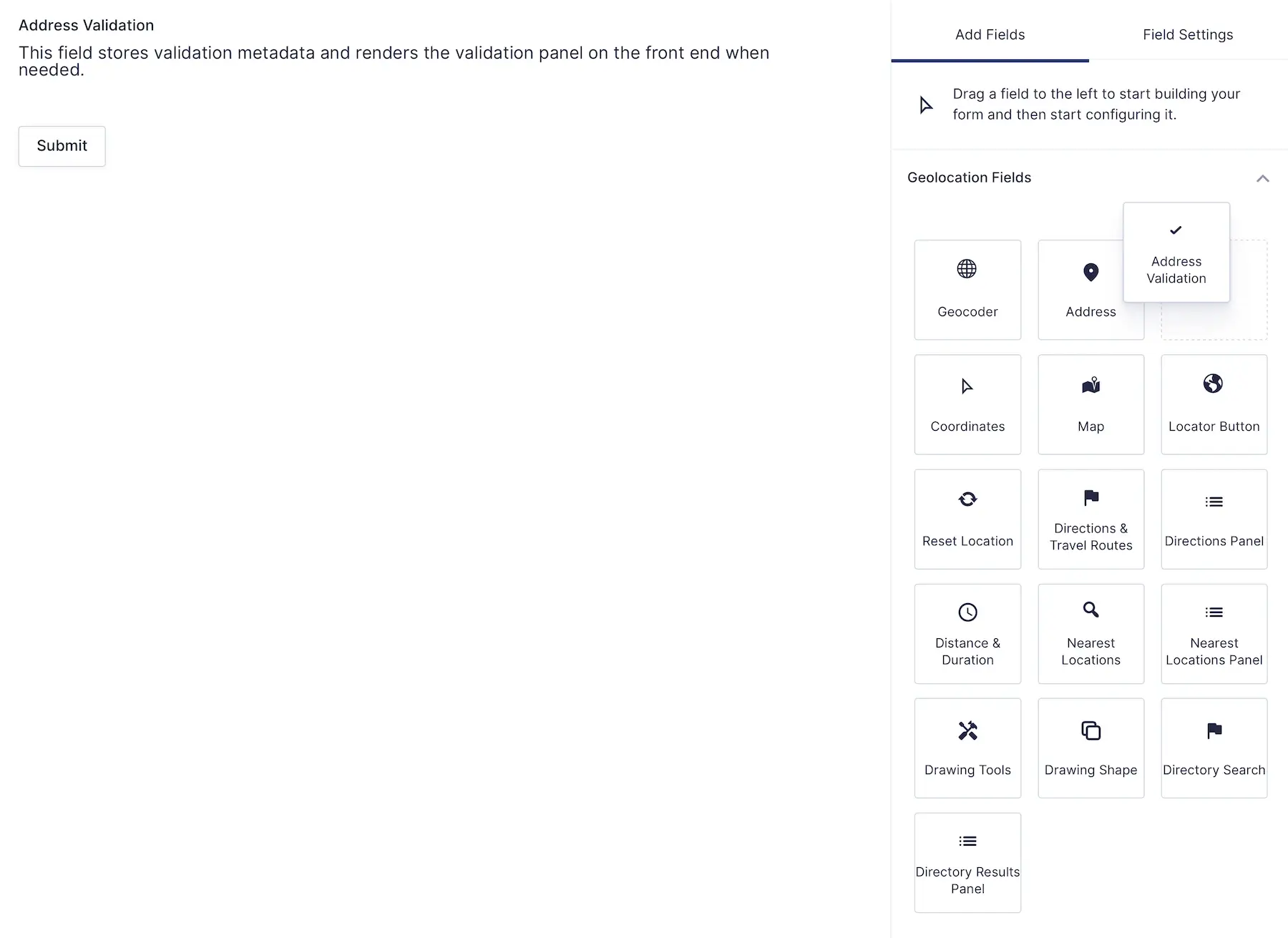
Address Validation is a native Gravity Forms field — not a shortcode, widget, or external embed

Verify address deliverability and identify missing apartment, suite, or unit information before submission

Catch address issues before they reach your fulfillment workflow.
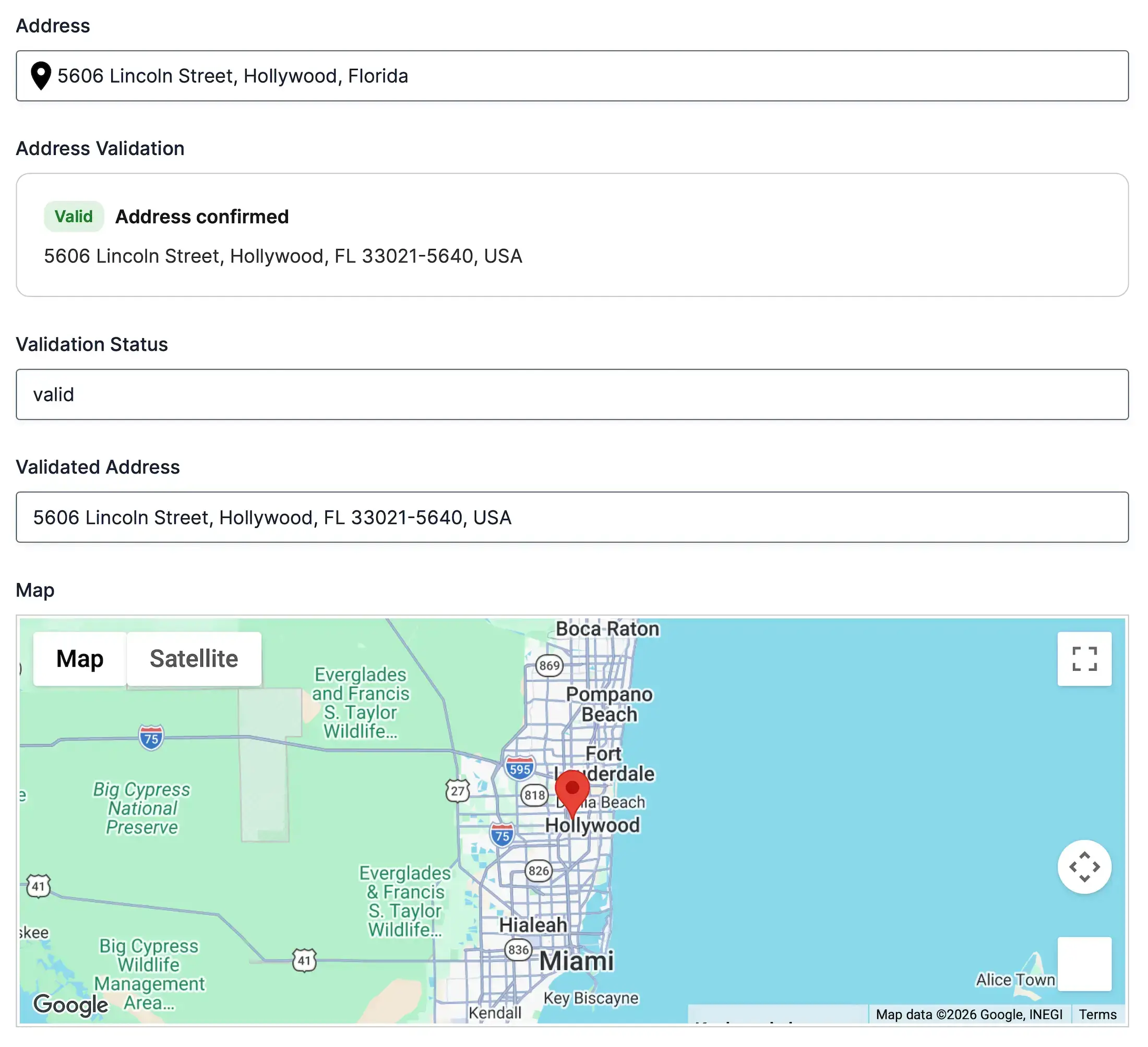
Use validated addresses throughout your form automatically

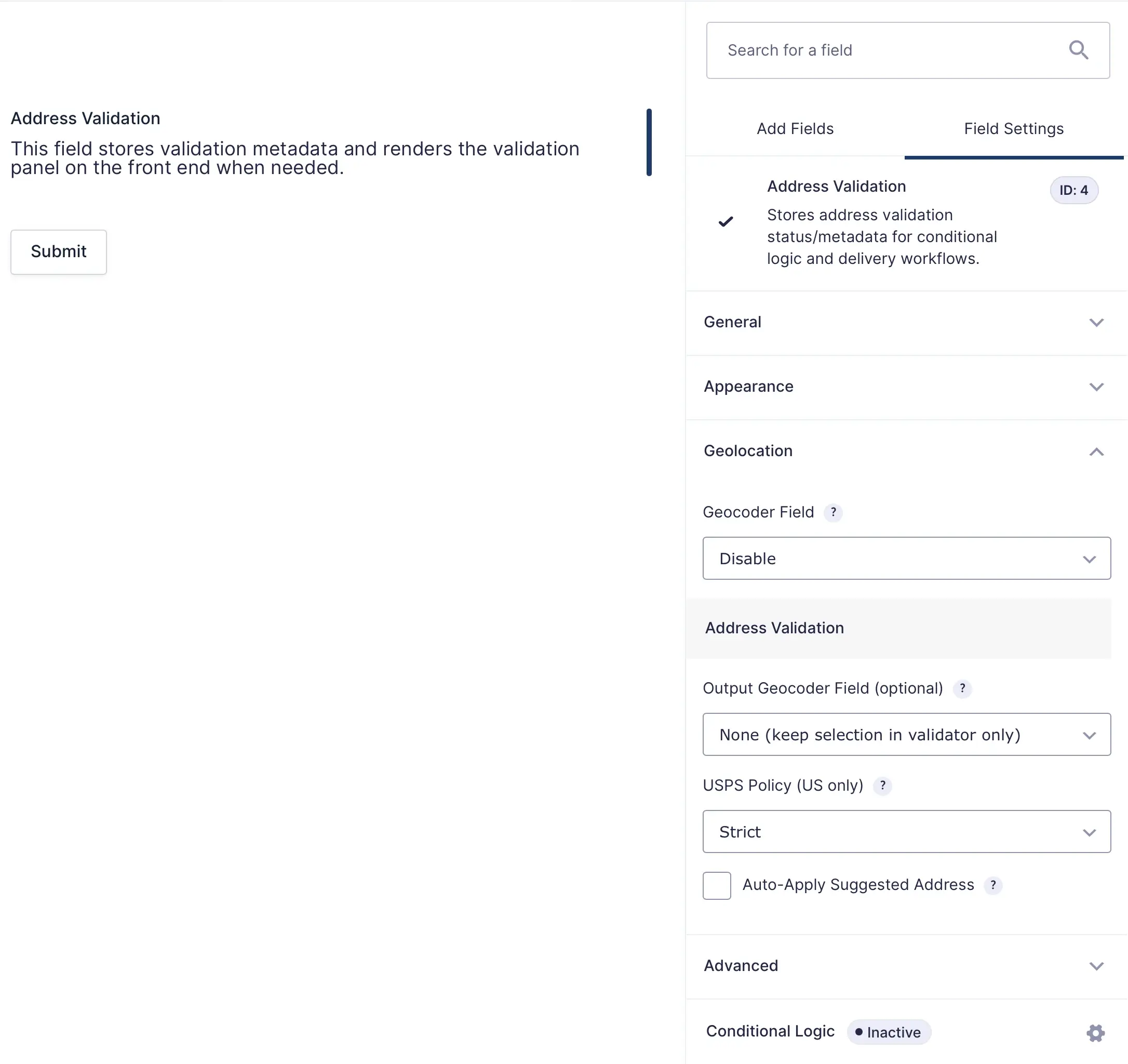
Choose how addresses are validated, confirmed, and used throughout your Gravity Forms workflows

Automatically accept Google’s recommended address.
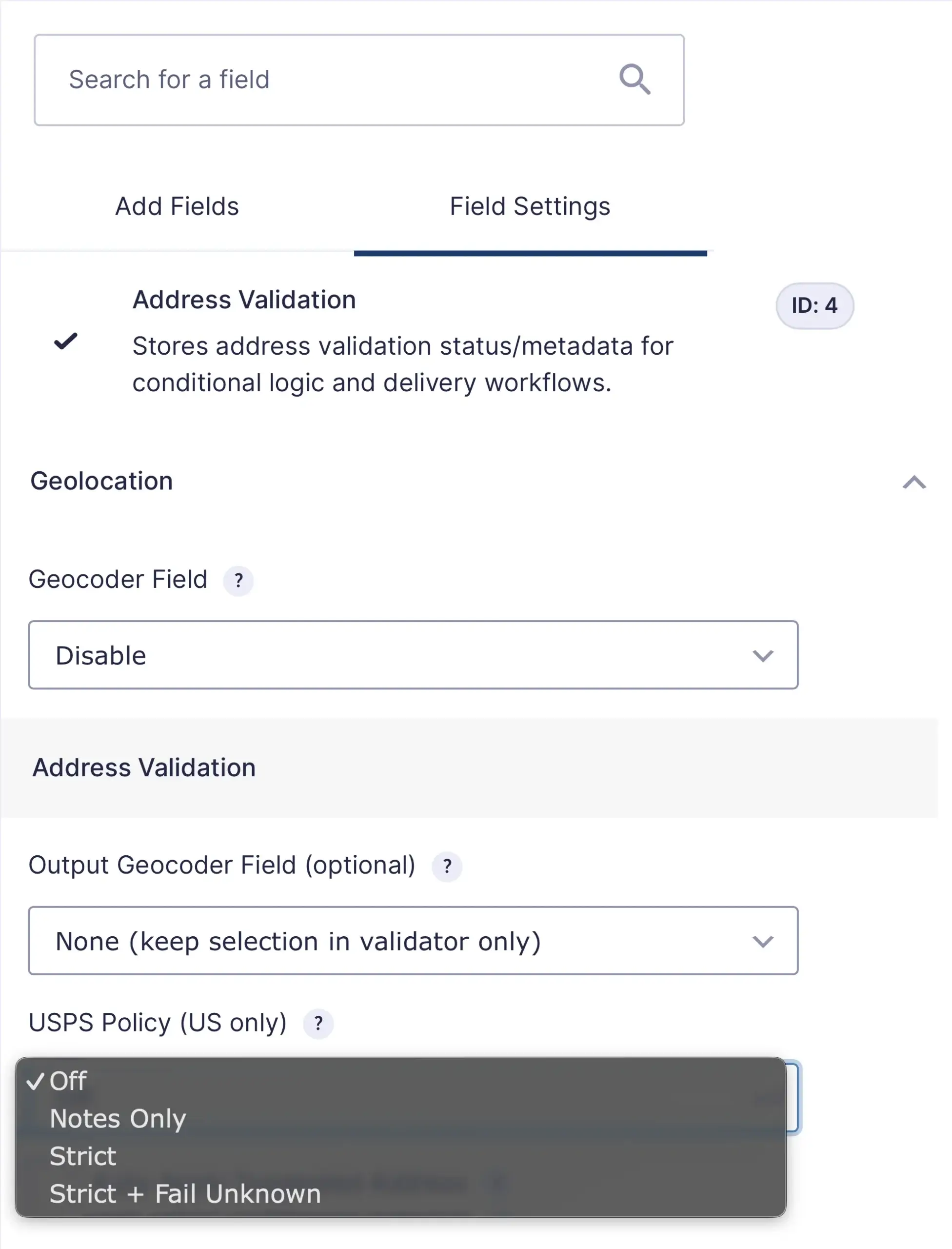
Choose between informational warnings, strict validation, or strict unknown-address handling.
Expose validation results for:
Validate, standardize, and verify addresses before they enter your workflow
Catch incomplete or problematic addresses before they enter your system.
Store standardized address data across your forms and workflows.
Identify addresses that may be missing secondary unit information.
Allow users to review suggested changes and choose the correct address.
Integrates with Gravity Forms notifications, confirmations, entries, and conditional logic.
Choose between informational warnings, strict validation, or strict unknown-address handling.
Address Validation verifies, standardizes, and corrects addresses entered into Gravity Forms using Google’s Address Validation API before the form is submitted.
Yes. Users can compare the address they entered with Google’s recommended address and choose whether to keep their original entry or accept the suggested correction.
Yes. Address Validation works alongside Google Places Autocomplete to help ensure addresses are both easy to enter and accurate before submission.
Yes. You can configure Address Validation to automatically update linked geolocation fields or require users to confirm the suggested address before continuing.
Yes. For supported addresses, USPS delivery-point verification can identify missing apartment, suite, or unit information and provide additional delivery quality indicators.
Yes. Validation results can be used with Gravity Forms conditional logic, calculations, notifications, confirmations, merge tags, and other workflows.
Yes. Address Validation requires a Google Maps Platform API key with the Address Validation API enabled.
Special introductory pricing applies to the first year. Renewals are billed at the regular price. You can upgrade or cancel your plan at any time. Each plan includes automatic updates, premium support, and is backed by our 14-day money-back guarantee.
All purchases are securely processed on GEO my WP, our parent platform, where you can manage license, update, and support.