Build a Customer Portal with Gravity Forms

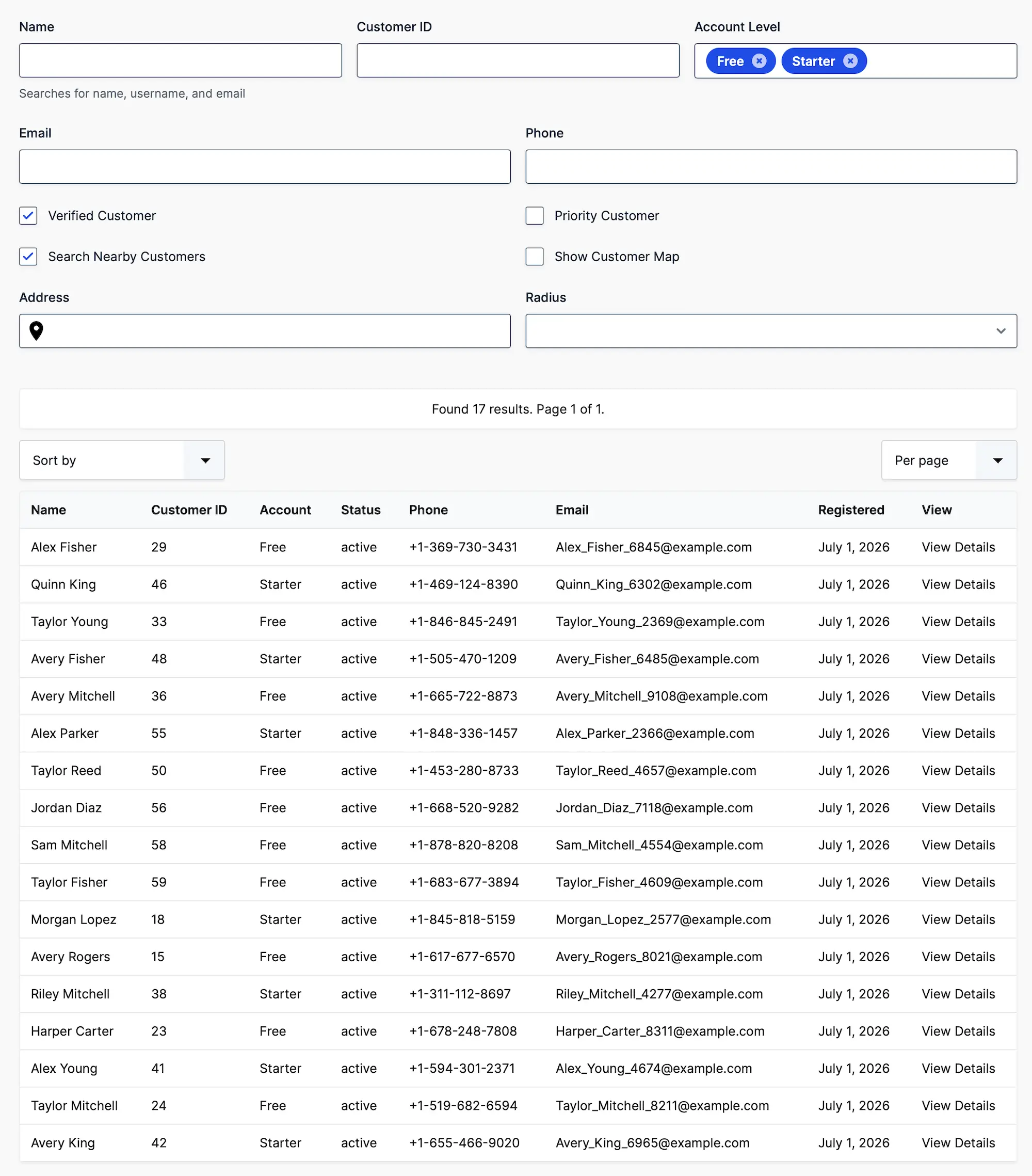
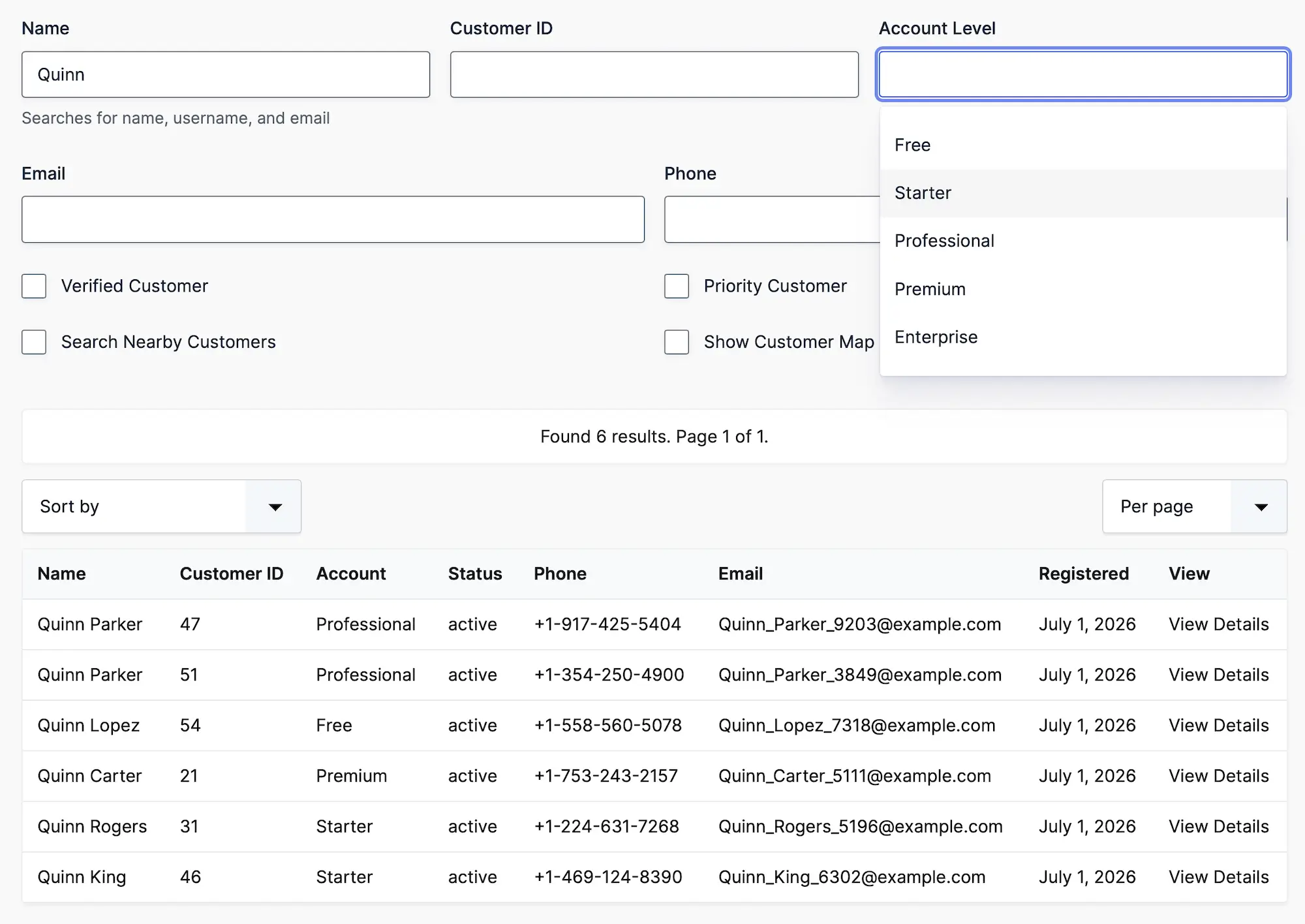
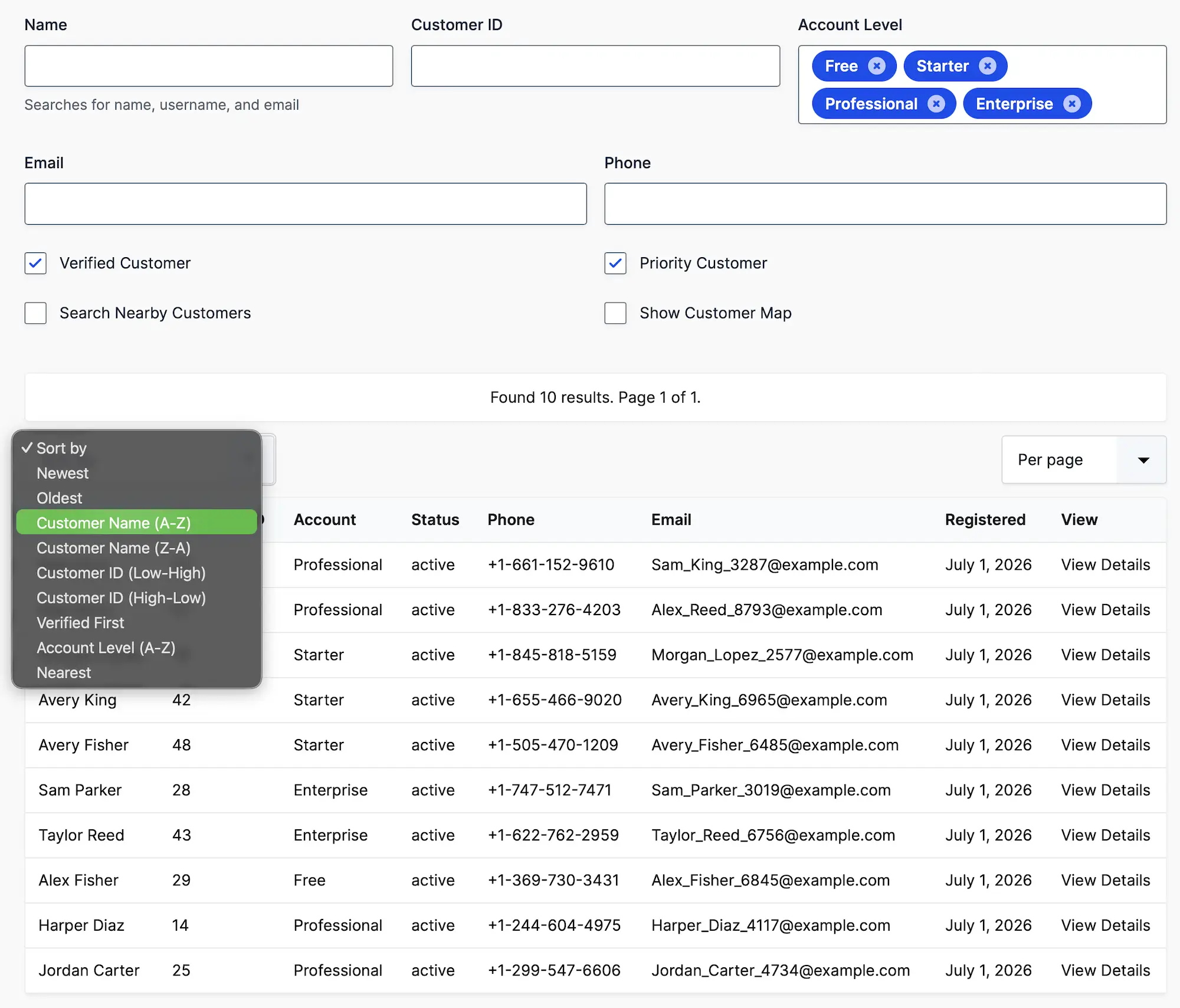
Create secure customer portals where users can search, view, and manage Gravity Forms entries with advanced filtering, detailed record pages, interactive maps, and custom workflows.

Gravity Search Customer Portal Search

Everything You Need to Build a Customer Portal

Give customers instant access to their own information through searchable dashboards, account pages, and custom portals powered by Gravity Forms.

Why Gravity Search?

Built specifically for Gravity Forms users

Gravity Search

Traditional Directory Plugins

Uses existing Gravity Forms
Requires importing customer data
Search any customer information
Limited search capabilities
Fully customizable templates
Limited layout customization
Interactive maps and proximity search
Usually no mapping support
Works with existing Gravity Forms workflows
Separate customer management system

Frequently Asked Questions

Can I build a customer portal using Gravity Forms?

Yes. Gravity Search transforms Gravity Forms entries into searchable customer portals where users can browse, search, and view information collected through your forms.

Can customers search only their own records?

Yes. Gravity Search supports filtering entries based on the logged-in user, allowing customers to access only their own submissions using Gravity Forms User fields or WordPress users.

What kind of information can I display?

Anything collected with Gravity Forms, including invoices, appointments, support tickets, documents, warranties, service history, locations, images, and custom fields.

Can I create dedicated customer pages?

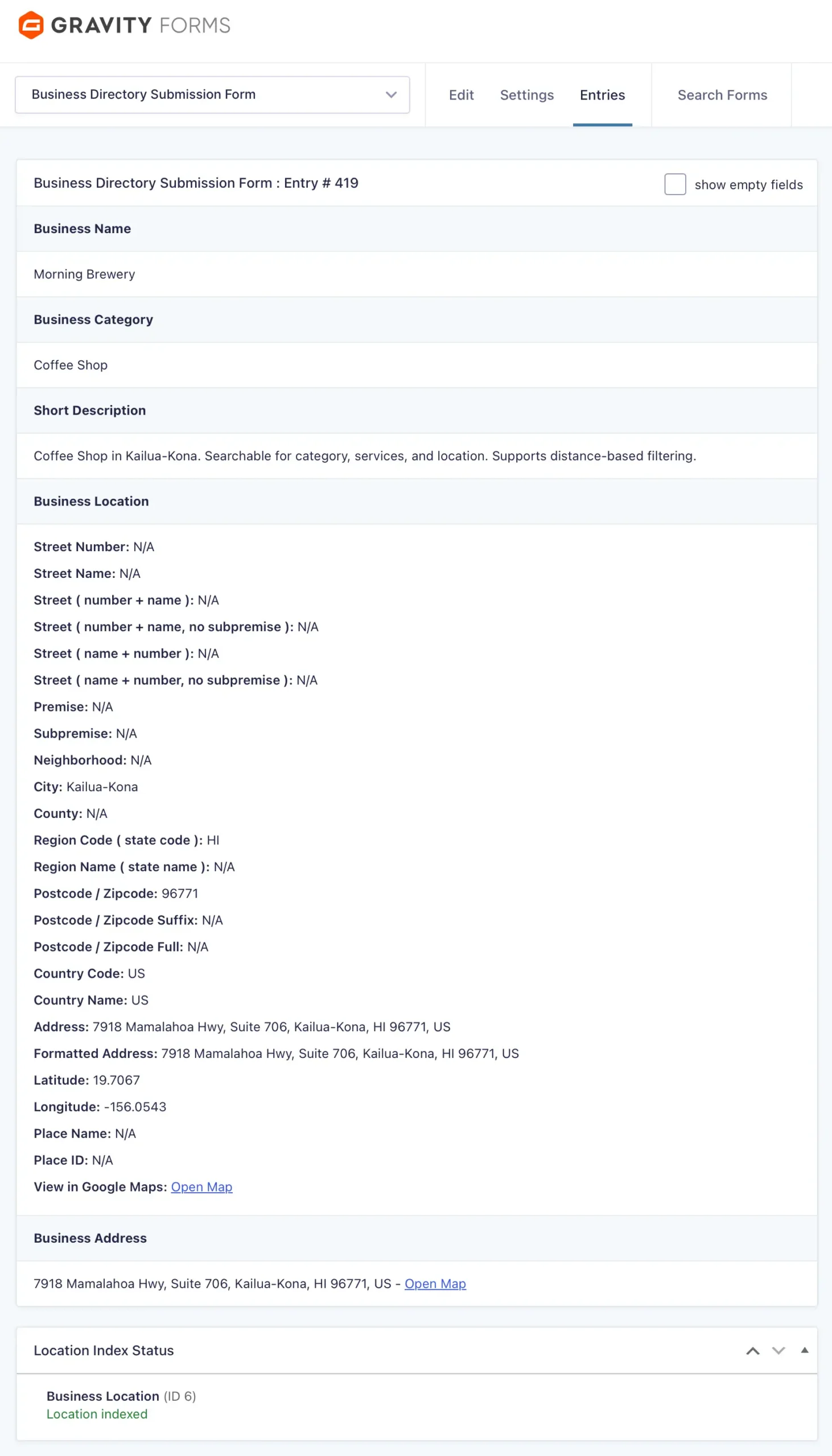
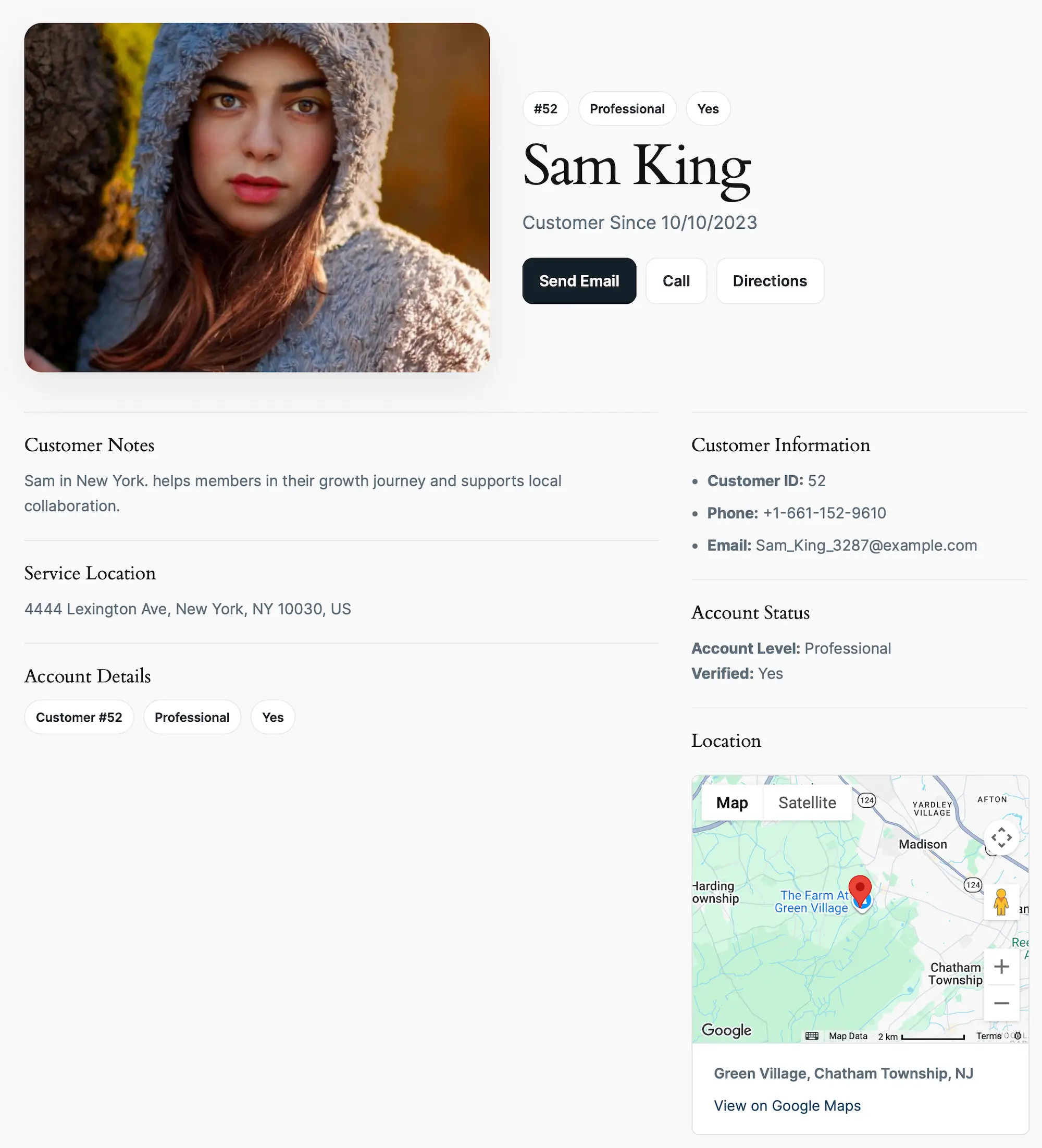
Yes. Each entry can have its own details page displaying any Gravity Forms field using flexible templates and merge tags.

Can I display customer information on Google Maps?

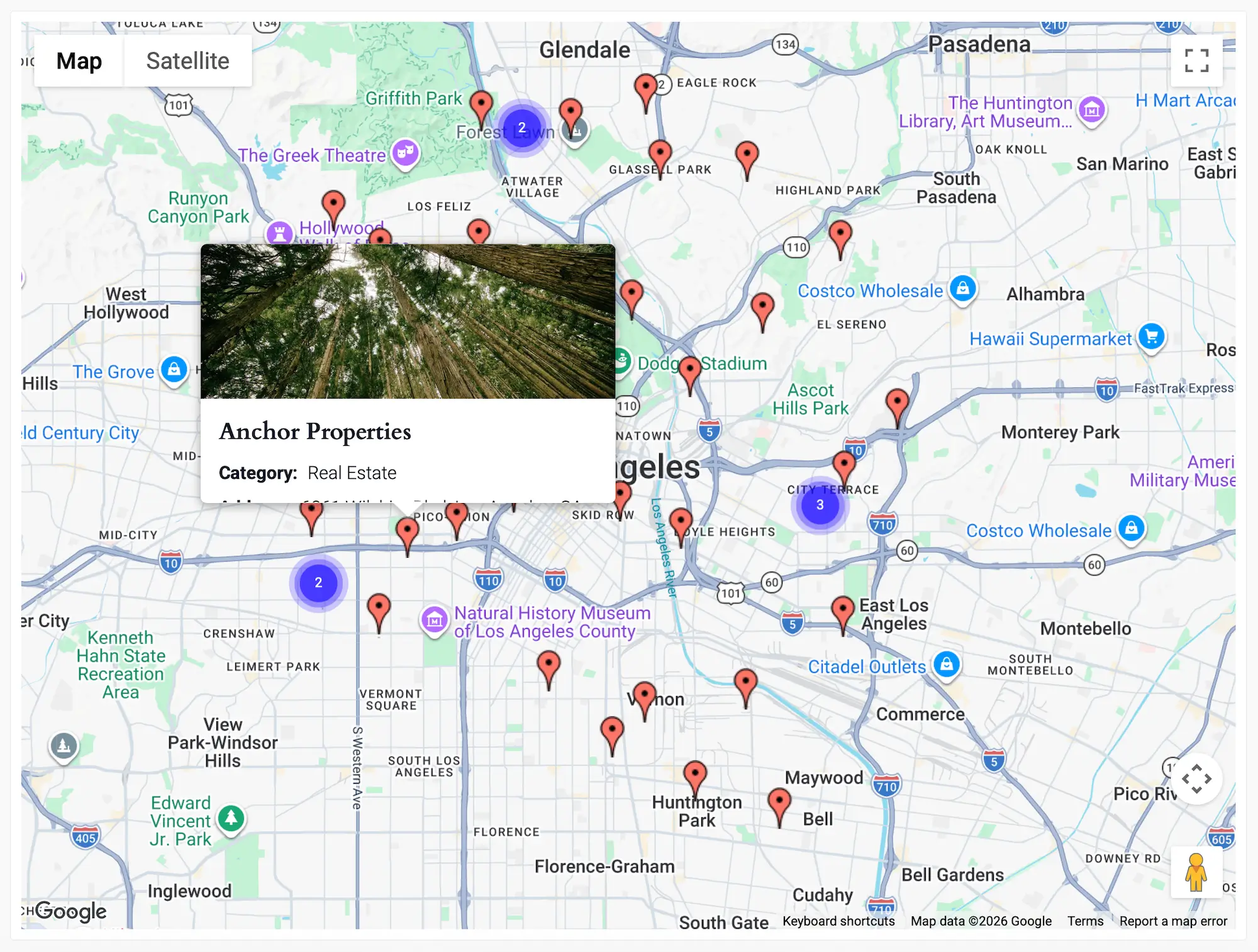
Yes. Customer locations, appointments, deliveries, properties, service calls, or any location data can be displayed on interactive Google Maps.

Can I customize the portal layout?

Absolutely. Display entries as cards, lists, tables, maps, or completely custom layouts using your existing WordPress theme or page builder.

Do I need a Google Maps API key?

A Google Maps Platform API key is only required for map-based features such as interactive maps, address autocomplete, proximity search, and driving directions.

Ready to Build Your Customer Portal?

Explore the live demo or start building your own customer portal today.

Choose Your Plan to Unlock the Full Potential of Gravity Forms

Flexible options designed to suit your needs, with all the powerful geolocation tools included in every plan.

Starter

Core Geolocation Tools
normally $59
$55
.00

/First year
Billed annually at normal price
Get Started
  • 1 Site
  • 1 Year Support & Updates
  • Risk-Free for 14 Days
  • Included Solutions
    Geolocation Fields
    Location fields for Gravity Forms
    Dynamic Location Data
    Automatically populate fields with location data
    Auto Locator
    Detect the user’s current location
    Most Popular

    Pro

    Advanced Search & Mapping
    normally $159
    $99.00

    /First year
    Get Started
  • 3 Sites
  • 1 Year Support & Updates
  • Risk-Free for 14 Days
  • Includes everything in Starter, plus:
    Gravity Search
    Turn Gravity Forms into searchable directories
    Address Validation
    Verify and standardize addresses
    Distance & Directions
    Calculate routes, distance, and travel time
    Single Entry Maps
    Display a single entry on a map
    Entries Mashup Maps
    Display multiple entries on one map

    Agency

    Complete Geolocation Suite
    normally $259
    $179.00

    /First year
    Get Started
  • 20 Sites
  • 1 Year Support & Updates
  • Risk-Free for 14 Days
  • Billed annually at normal price
    Includes everything in Pro, plus:
    Nearest Locations
    Find the closest destination instantly
    Drawing Tools & Shape Fields
    Draw and manage custom map shapes
    Store Locators & Service Areas
    Build store finders, pickup points, and service zones
    Note: Agency features are currently in beta.

    Special introductory pricing applies to the first year. Renewals are billed at the regular price. You can upgrade or cancel your plan at any time. Each plan includes automatic updates, premium support, and is backed by our 14-day money-back guarantee.

    All purchases are securely processed on GEO my WP, our parent platform, where you can manage license, update, and support.