
Gravity Search Overview
Introduction
Gravity Search turns Gravity Forms entry data into searchable directories, listings, and location
finders. A Search connects to a separate Gravity Form, called the Target Form, and can display its entries through
optional visitor filters, customizable results, maps, and individual Details pages.
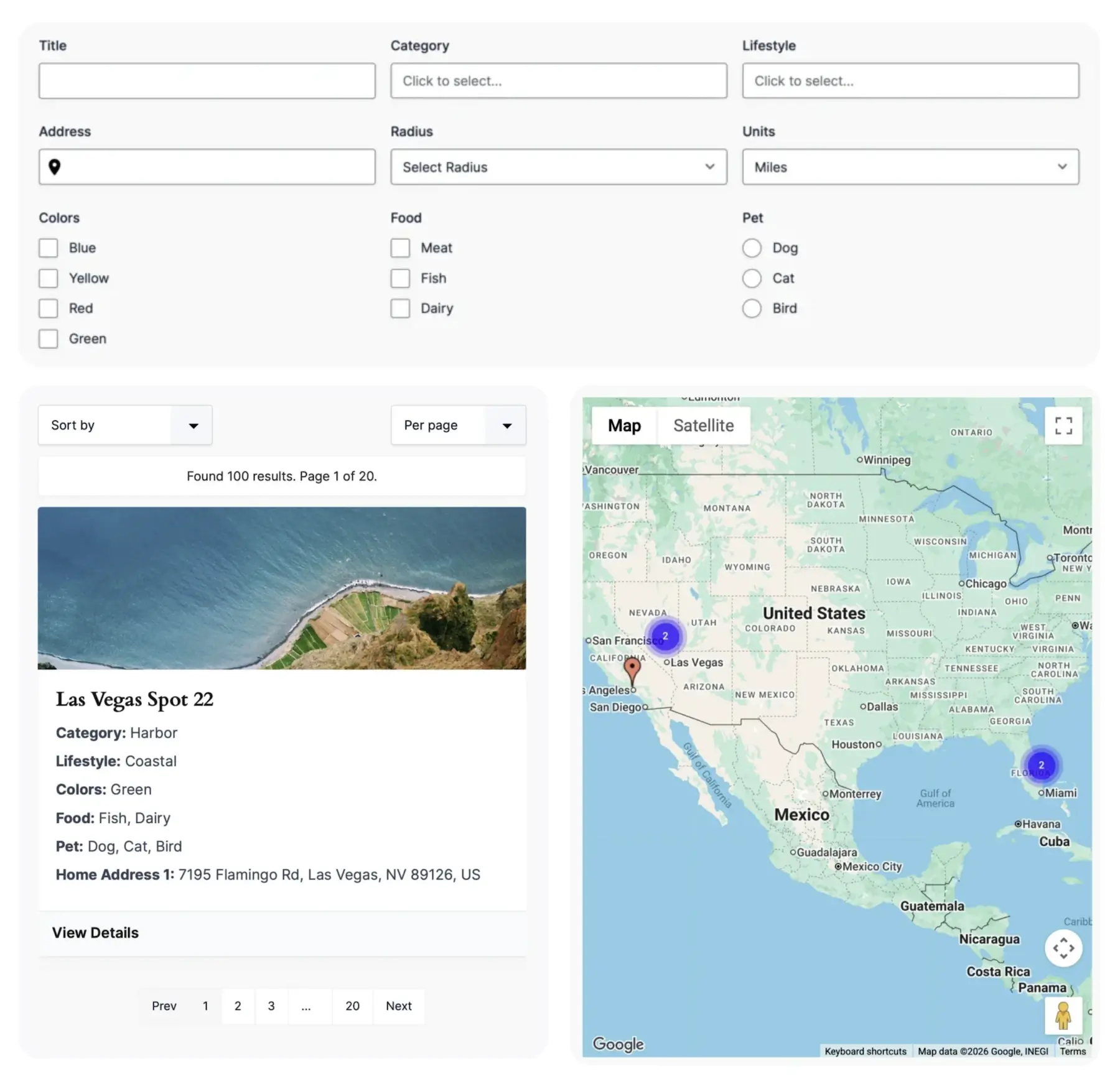
Use it for text and field filtering, predefined directories, proximity searches, interactive maps, sortable results,
and entry details. Location features are optional; a Search can work with ordinary Gravity Forms entry data without
a map or proximity controls.

How Gravity Search Works
Gravity Search connects two core components:
- Target Form: The Gravity Form that stores the entries being searched.
- Search: The separate configuration that queries one Target Form and controls its filters, results, map, and optional entry details.
Create a Search, connect its Target Form, optionally add visitor-facing fields in the Search Form Builder, and then
configure the seven Search Settings tabs. Add the Search to a WordPress page with the full
[gfgeo_search id="123"] shortcode or a supported split layout.
When the Search runs, it combines saved defaults and fixed filters with any visitor-provided values, then queries the
Target Form. If a location source is selected, the same request can also use stored location records for distance,
proximity, and map output.
Search Readiness
Search Readiness appears at the top of every Search Settings tab and summarizes the complete saved configuration.
It identifies a ready Search, optional features that are not in use, settings that need review, and required setup that
is still missing. Its action links open the relevant tab or control.
Readiness is a configuration check. It does not scan entries or location records, validate every third-party API
request, or replace previewing the finished Search. Save the current tab before relying on its updated status.
Key Components
Package Availability
Gravity Search is available as the focused Gravity Search package and as part of
Geolocation + Search Bundle. The Bundle provides standalone Gravity Search and Gravity Geolocation - Toolkit as two downloads under one license. The focused Search package includes the Search experience without
the separate Gravity Geolocation form-field collection. Standard Gravity Forms fields can provide the entry and filter
data; location-based features additionally require suitable stored location data and geocoding configuration.
Common Use Cases
Gravity Search can support many kinds of searchable experiences:
- Business and service-provider directories.
- Store and location finders.
- Property listings.
- Member directories.
- Event listings.
- Resource libraries.
- Internal entry searches.
Current Limits
- Each Search queries one Target Form.
- Different Search IDs can share a page, but only one instance of each Search ID is supported on that page.
- A split layout is one instance: render its form, results, and optional map component once each.
- An inactive or trashed Search is unavailable publicly. A Target Form must exist outside Trash.
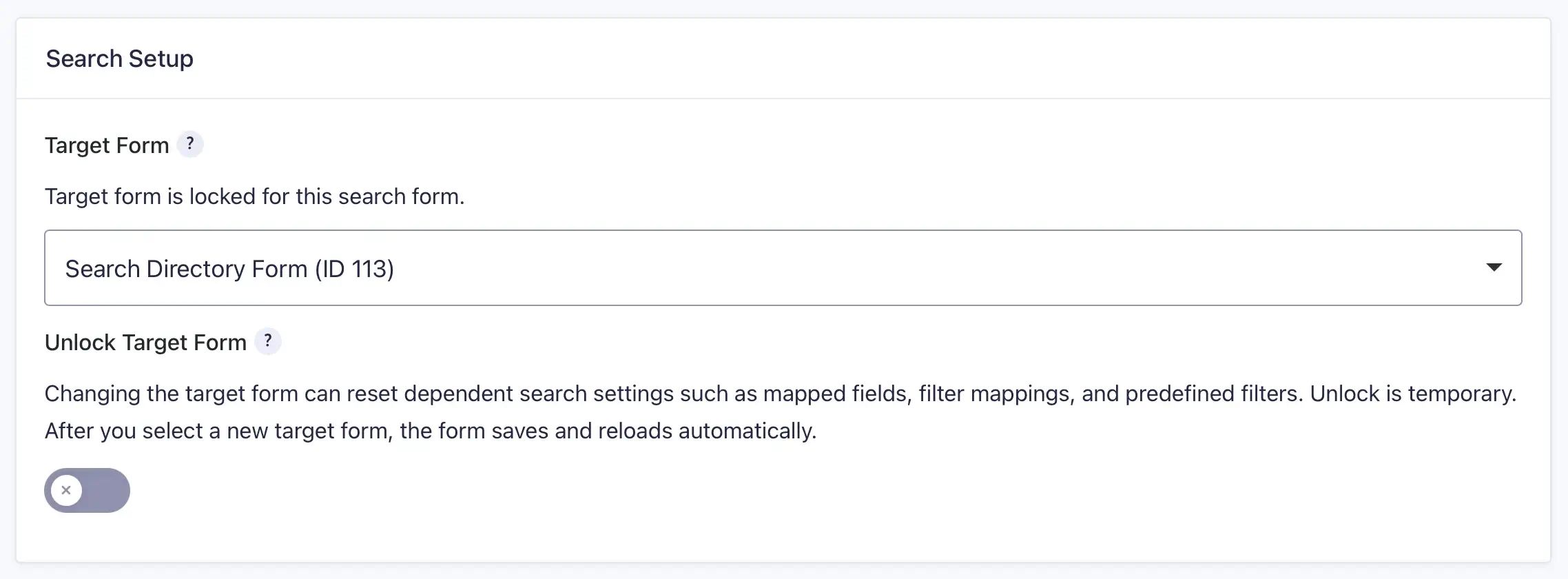
- Changing the Target Form is an explicit advanced action; review field-dependent settings afterward.
Next Steps
Continue with the following guides: