
Reset Location Button Field
Last modified: September 11, 2026
Introduction
The Reset Location Button Field lets visitors clear one or more synchronized geolocation groups. It can optionally restore the linked fields’ configured default locations instead of leaving them empty.
Configuring the Reset Location Button Field
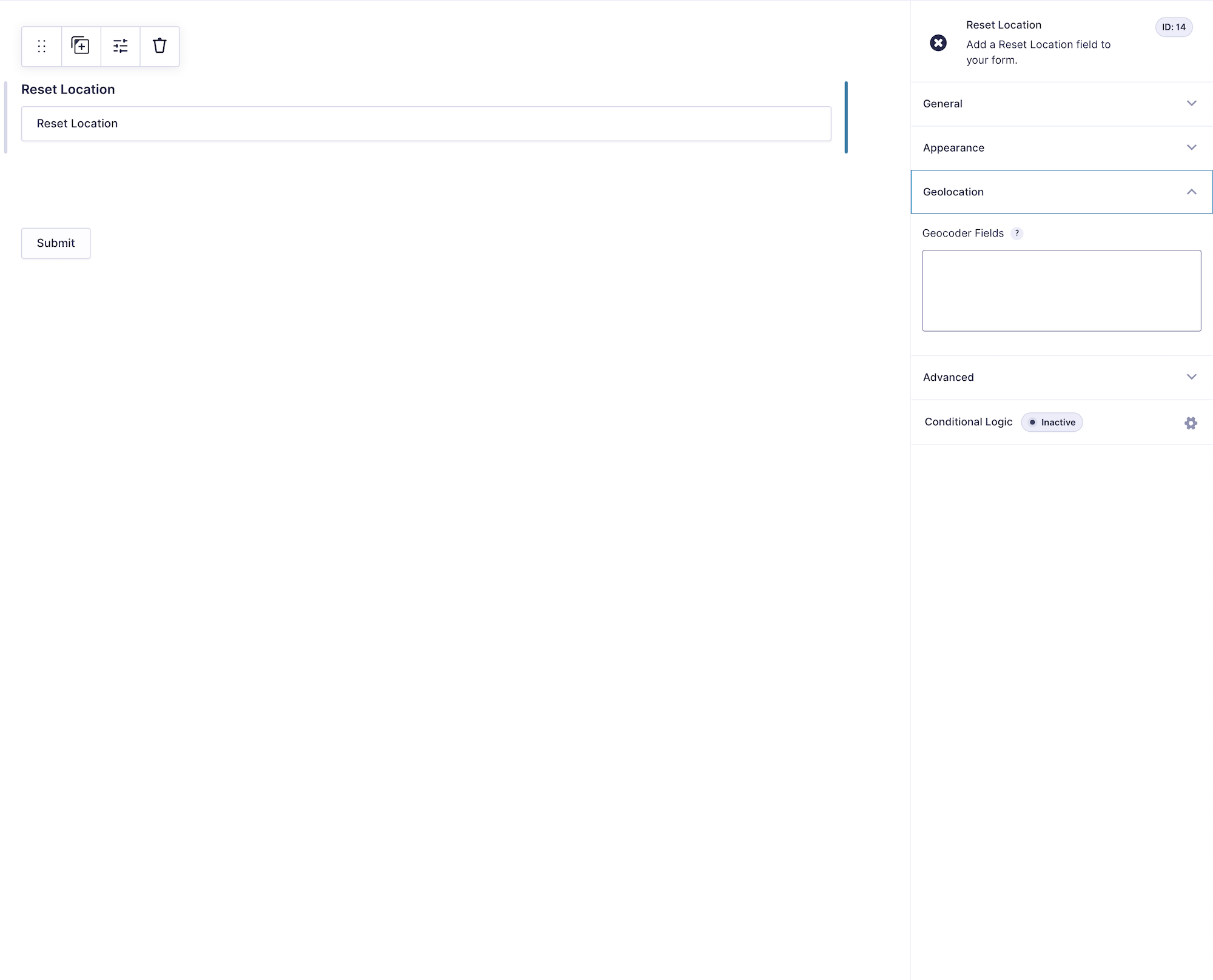
Field Behavior and Saved Data
The Reset Location Button is an interface control and does not save an independent entry value. It resets the selected Geocoder Fields and their linked Address, Coordinates, and Map interfaces. It cannot be used as a conditional-logic source, but it can be shown or hidden as a conditional-logic target.
Setting Up and Testing
- Add the Geocoder and related fields that form each location group.
- Add a Reset Location Button and select the Geocoder Fields it should control.
- Customize the button label.
- Choose whether the button clears the location or restores configured defaults.
- Preview the form and test the reset behavior for every selected group.