
Locator Button Field
Last modified: September 11, 2026
Introduction
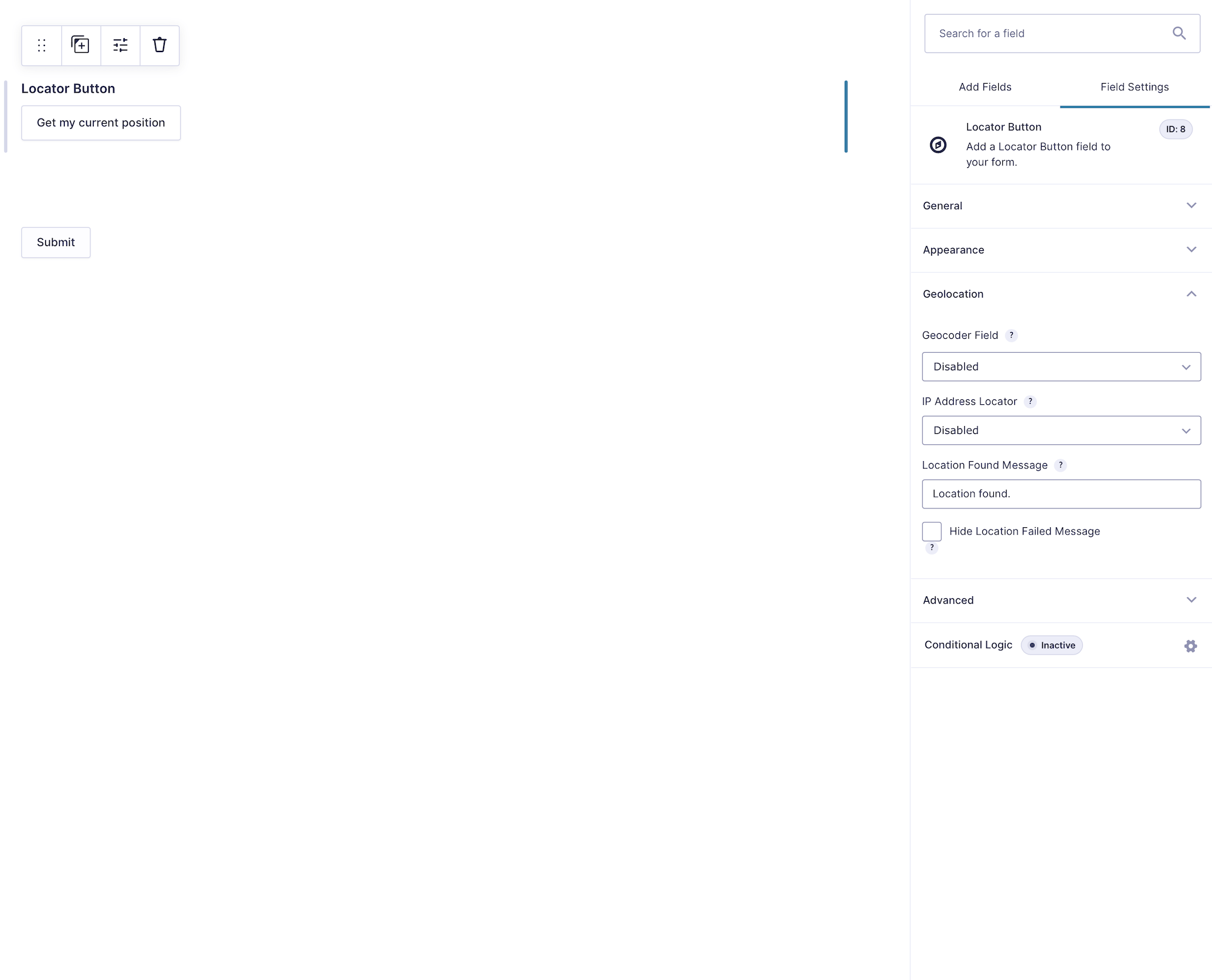
The Locator Button Field lets a visitor retrieve their current location and send it to a selected Geocoder Field. The Geocoder then updates the linked Address, Coordinates, and Map fields.
Browser geolocation normally requires HTTPS and user permission. A configured IP-location provider can be used as the default method or as a fallback.
Configuring the Locator Button Field
Field Behavior and Saved Data
The Locator Button is an interface control. It does not save an independent entry value and should not be used as a conditional-logic source. The selected Geocoder Field stores the resulting location data, while other fields can use the Locator Button as a conditional-logic target.
Setting Up and Testing
- Add a Geocoder Field and the fields it should synchronize.
- Add the Locator Button and select that Geocoder.
- Customize the label, IP behavior, and messages.
- Preview the form over HTTPS and allow browser location access.
- Confirm that the Address, Coordinates, and Map fields update.